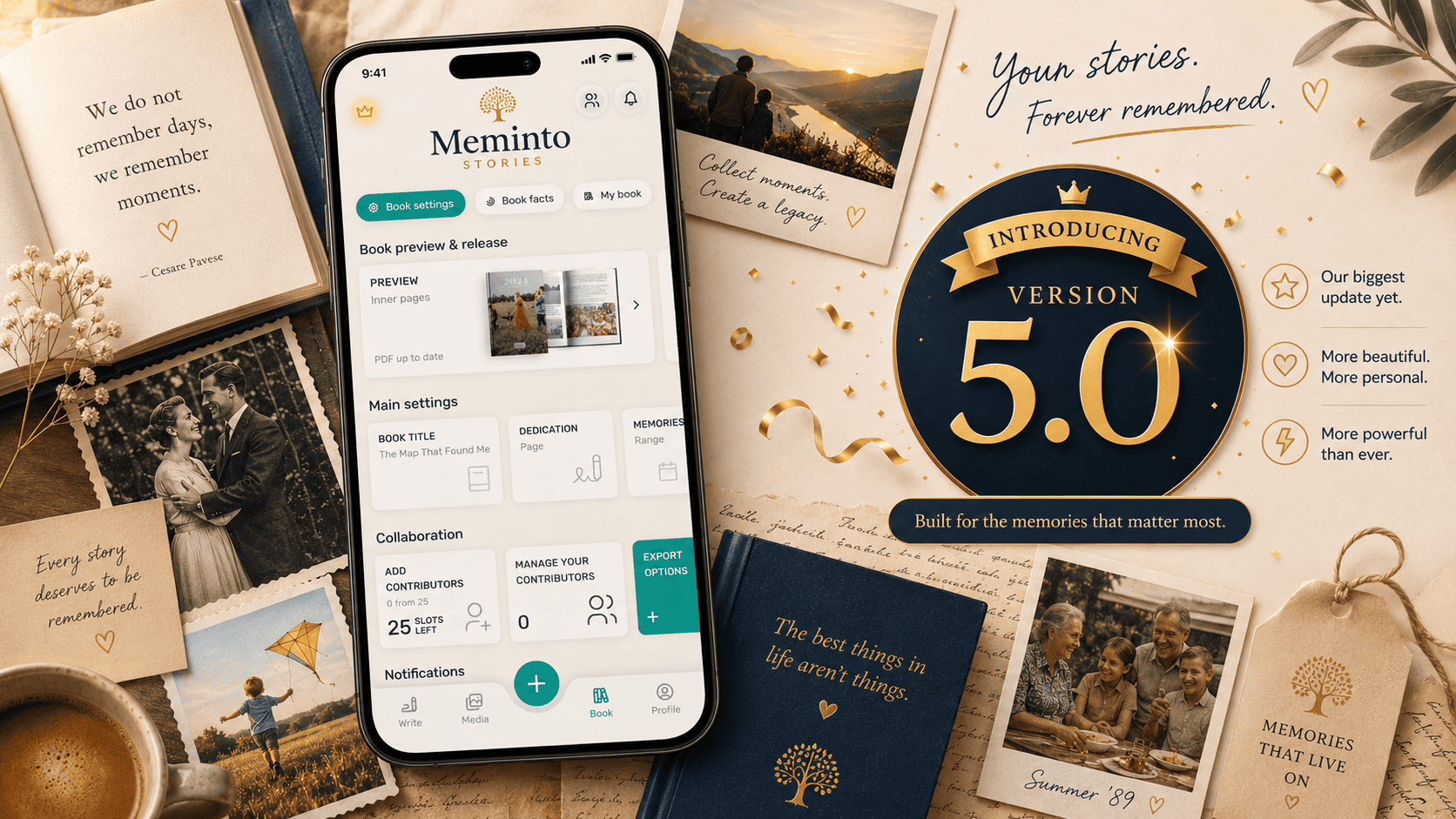




We’ve been working hard on the Meminto Stories app over the past few months — and today we’re excited to share one of the biggest updates since the app launched. The jump from version 4.3 all the way to 5.0 says it all: this update brings a fundamental new feature that changes everything.
From now on, you can create your Meminto book entirely in the app — from your first memory all the way to placing your order. That simply wasn’t possible before. Here’s what’s new.
The Book Cover Editor — Now in the App for the First Time
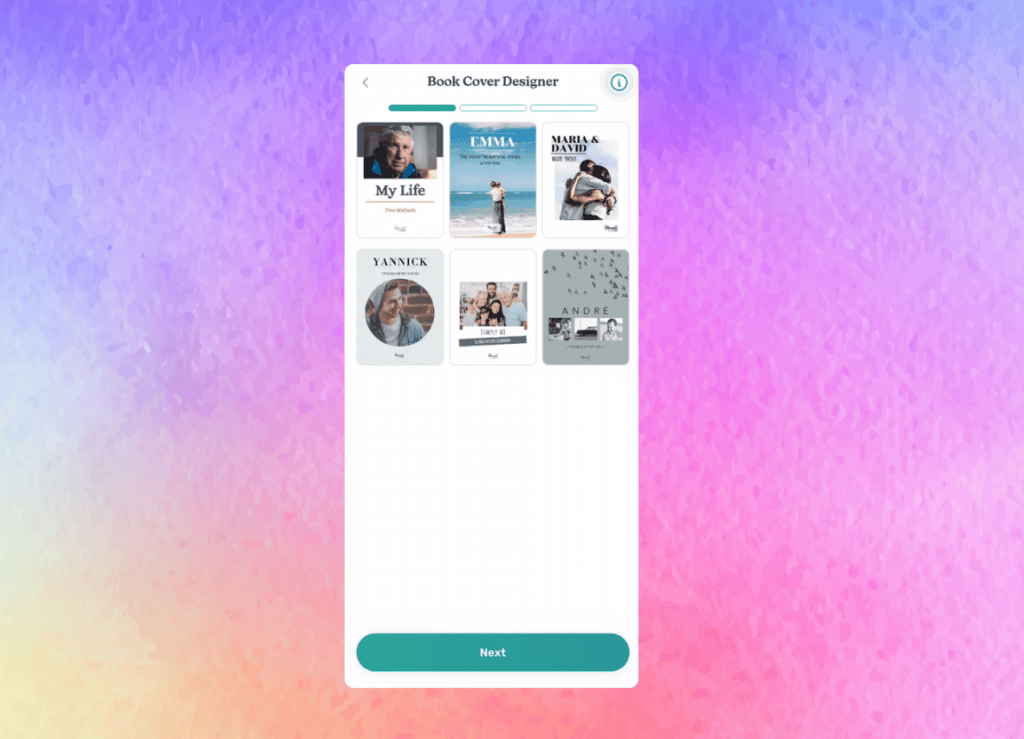
This is the heart of this update: until now, designing your book cover was only possible in the web version on a computer. On iPhone, iPad, and Android, it just wasn’t an option.
With version 5.0, that changes. We’ve brought the book cover editor to the app for the very first time. You can now design how your book looks directly on your phone — no computer needed.
And there’s already a lot to work with: you can edit multiple elements at the same time, position text precisely with new alignment tools, and place your photos perfectly using image frames with pan and zoom. A new reframe mode also lets you adjust image positioning at any time.
One honest note: the in-app editor is intentionally a bit leaner than the web version. The full range of cover templates and some advanced features are still more extensive in the browser. But here’s what matters: you no longer need a computer to finish your book. Everything you need to create a complete book is now right there in the app.
Order Your Book Directly in the App

This is exactly what makes this update so significant: because you can now design your cover in the app, you can also order your finished Meminto book directly from the app. The entire journey — from your first memory to a printed book in your hands — now works without ever switching to a computer.
PDF rendering during the ordering process has been greatly improved, so you can see exactly what you’re getting before you order. Payment works smoothly via Apple Pay and Google Pay. And for iPad users, we’ve optimized the layout specifically for larger screens.
New Guest Inbox and Improved Contributors Management
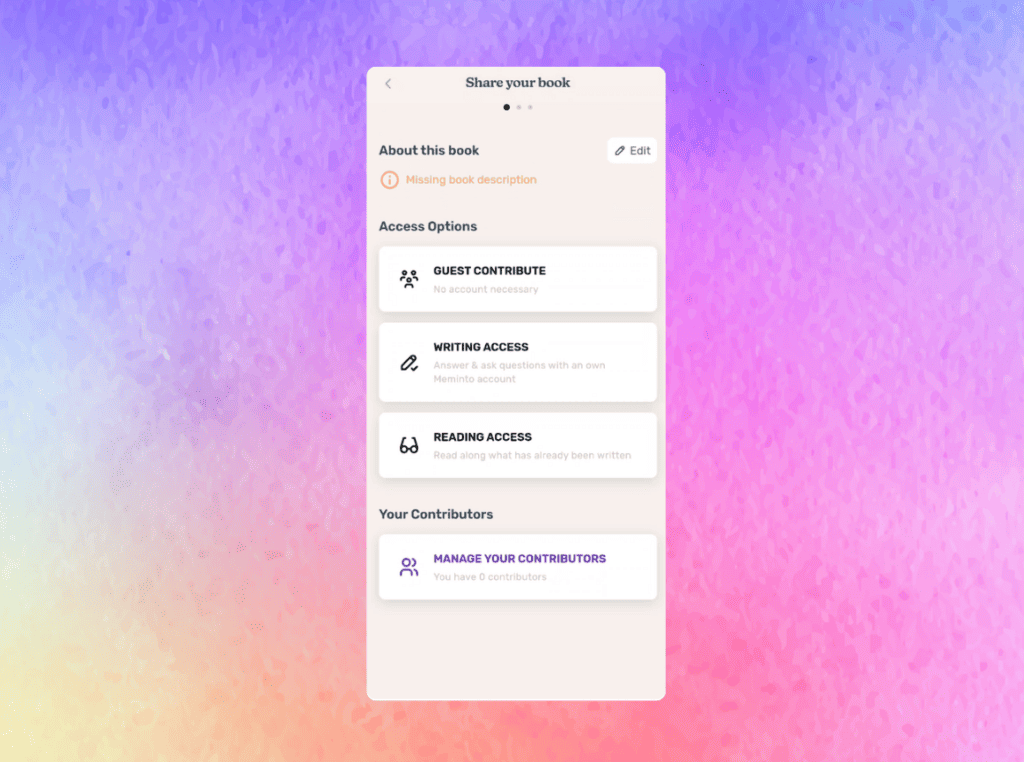
A Meminto book is rarely a solo project. Family members, friends, and loved ones all contribute their memories — and with this update, managing that collaborative process becomes much easier.
The new Guest Inbox shows all incoming requests from people who want to contribute to your book, all in one place. The share screen has been completely redesigned, and the new Contributors Management screen gives you a clear overview of who has which role in your book project.
We’ve also added a new Assistant role. This lets you invite someone to actively help you create the book — especially handy if you’re working on it together with a family member or need support with the structure.
Brazilian Real Support and Improved Free Trial
Meminto is growing internationally — and with this update, we now support pricing in Brazilian Real (BRL). Our Brazilian community has been waiting for this, and the entire purchase flow is now available in the local currency.
We’ve also improved the free trial experience. When your trial ends, there’s now a clear and friendly flow that shows you exactly what your next steps are.
A Refreshed Look and Many Small Improvements
We used this update to make the visual experience more consistent throughout the app. All dialogs and confirmation windows now follow a unified Meminto design — cleaner, more polished, and easier to trust.
For those of you with lots of photos in your book: the media library now loads page by page, so even large photo collections scroll smoothly. On top of that, countless small bug fixes and performance improvements make the app feel noticeably more solid.
Update Now
Meminto 5.0 is available now on the App Store and Google Play. We’re especially excited to hear your feedback on the new in-app cover editor — because this is just the beginning. We’ll be expanding it step by step.
Now go create something beautiful — entirely in the app.