
For hesitant storytellers
Ideal for people who want to start with Meminto in a low-pressure way, without working through a new login journey every time.
Meminto Chrome extension
The prompt lands in your inbox, you read it between two meetings – and answer later. Later never comes. With the extension your book sits next to the browser tab: click the question, talk, move on. Sign in once, then never go looking again.
Which small childhood habit has stayed with you until today?
Record your answer
Made for your own rhythm
Not everyone wants to learn their way around all of Meminto at once. Some people simply want to start telling. Others do not want to wait for the next email when a memory is already there. That is exactly what the Chrome extension is for: less friction, more flow.
Ideal for people who want to start with Meminto in a low-pressure way, without working through a new login journey every time.
When a story suddenly comes back, it can be captured right away – without waiting for the next email prompt.
People who prefer to move through the questions themselves stay in the flow more easily and make noticeably faster progress on their book.
Two ways into one book
Instead of waiting for the next trigger, people can move through their book themselves, choose a question and capture a memory at the moment it comes to mind.
The flow
After the first login, getting back in becomes much simpler.
Move directly through the questions in your book.
Tell the story and save it as an audio answer right away.
The next memory is only one click away.
Less friction, more stories
No repeated detour through email and sign-in steps before you can capture a memory.
Especially helpful for people who already spend time at a desktop or laptop.
Choose questions by feeling instead of letting the next prompt set the pace.
A few answers in a row make it tangible that your book is growing.
Meminto Chrome extension
When email feels too slow, the Chrome extension is the direct route to more memories in your book.
Loved by thousands of families
4.8 / 5on Trustpilot
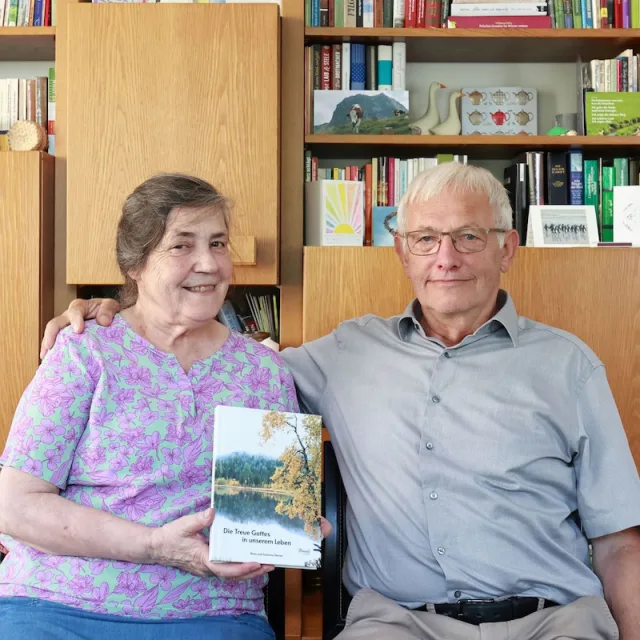
“We would like to give the whole team our heartfelt thanks for the quick help we received time and again with our book project. It is a joy to see how smoothly and easily everything works with Meminto Stories.

“I highly recommend the childhood book . I made it for my son so he knows how great our family time used to be. He already loves it and enjoys looking at it over and over again.

“We captured our world trip in a book. In the first copy, the pictures were not visible because of a printing error. Within a few days, Meminto produced and sent us a replacement free of charge. We are very happy with the fast support and the continued improvements to the software.

“Tom was CEO of several international companies and died in a car accident in 2025. His daughter and 160 friends and employees came together to create a life story book in his memory. The woman pictured is one of Tom’s employees. Copies of the book were sent to many countries.

“Elise’s grandmother Carole decided to immortalize the first years of Elise’s life in a Meminto Childhood book. An almost 500-page thick book has been created, and Elise was full of joy!

“I am a photographer and value high print quality. Meminto has absolutely met that. I genuinely love the idea behind collecting stories, not just our own but of those around us. Read my Meminto review here.
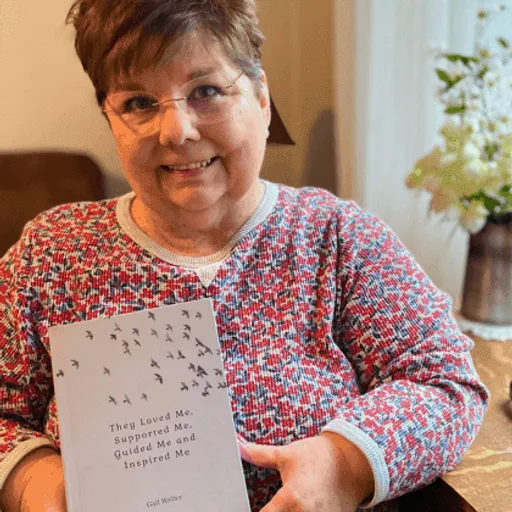
“I’ve been writing my life story since I was in my 20’s. Now I finally have a medium for capturing my tales on paper in a beautifully printed book, using ‘copy & paste’ and the Meminto blank book option. I’m already working on my second book! You can find my review here!
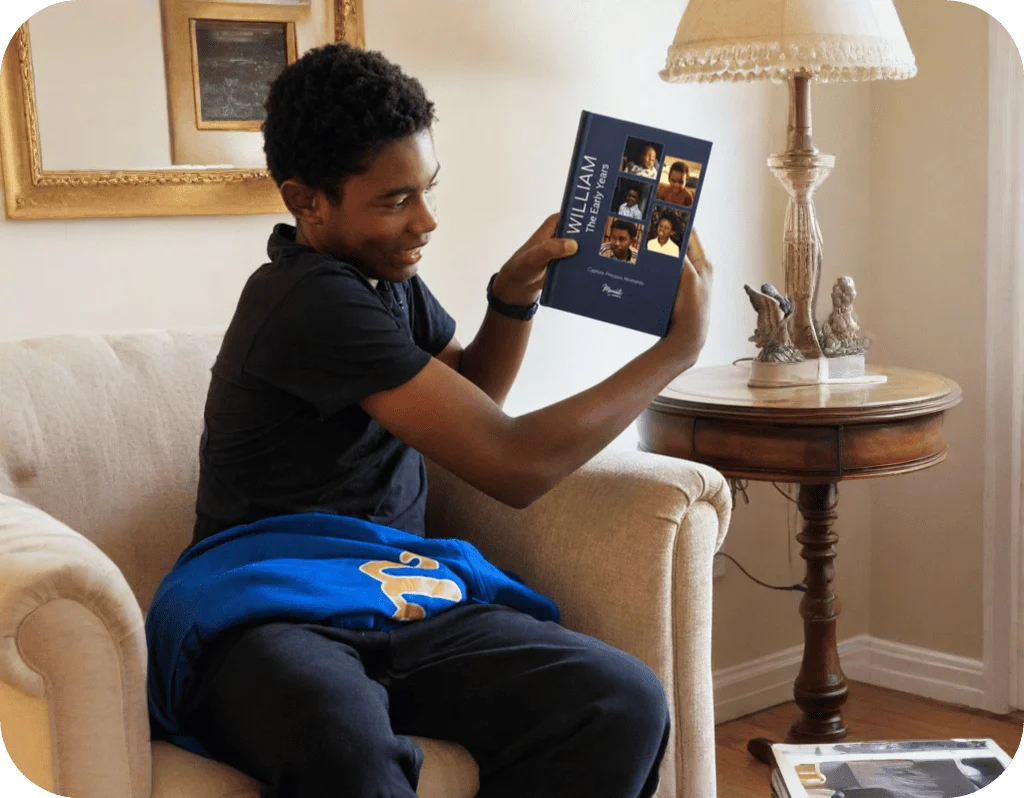
“William’s grandmother, Carole, created a Meminto Childhood book as a surprise for his 13th birthday. After months of dedication and a last-minute race to finish, the gift arrived just in time and William was so captivated that he read it aloud to his family on the drive home
FAQ
It brings the questions in your book to the place you already use: your browser. That means you can answer as soon as a memory surfaces – without waiting for the next email prompt.
No. After the first login, getting back in through the extension is much simpler, so you can return to the questions in your book more quickly.
It is especially useful for people who want to decide for themselves when and in what order they answer. Email remains useful for occasional prompts; the extension is made for a more active storytelling rhythm.
Yes. Open a question in the extension and leave your answer as a voice recording right away.
You do not need to wait for the next email to continue with your book. The extension gives you direct access to the questions, while emails can still be helpful as a reminder.
Yes. The flow is deliberately simple: sign in, choose a question, record. It is especially helpful for people who prefer to tell their stories in a familiar browser environment rather than navigate many steps.
Meminto works directly in your browser — on a computer, tablet or phone, with nothing to install. If you prefer speaking to typing, you can also use the Meminto app for iOS and Android.
Meminto as an app:



Begin with the nine-question mini book – and watch your answers become a story that lasts.