
Original memory text
EN“Every summer we picked apples with Grandma and laughed until it grew dark.”
Multilingual stories
Grandma tells her story in her mother tongue, the grandchildren read best in another – and in between the story gets lost. Meminto translates the questions, understands 23 language variants, and carries the answers across.
You can review questions and AI suggestions before applying them; transcribed text can be edited afterwards.
The short answer
You can automatically translate a complete question collection into a selected language and review or edit every question before applying it. Spoken memories are transcribed by StoryScribe; in the app, you select a recognition language for this step. You can then translate that text – as well as answers written directly in the editor – into a supported target language with Meminto AI. AI translation and transcription use credits; for text AI, Meminto shows the requirement before the action runs.
Step by step in the Helpdesk:Translate questions into another language
Three paths, one shared book
Meminto keeps questions, voice input and finished text separate, so you always know what is being translated or transcribed.
Transfer the whole question collection, review the suggestions and adjust individual questions before they appear in the project.
Dedicated workflow in the Questions area
Record or upload audio in the browser. In the app, you can transcribe an audio file and select the recognition language.
StoryScribe turns the audio into editable text
Open Meminto AI beside a written answer, choose “Translate” and review the result before keeping it.
Translation into a supported target language
Straight from Meminto
These views show the workflow directly in your project.
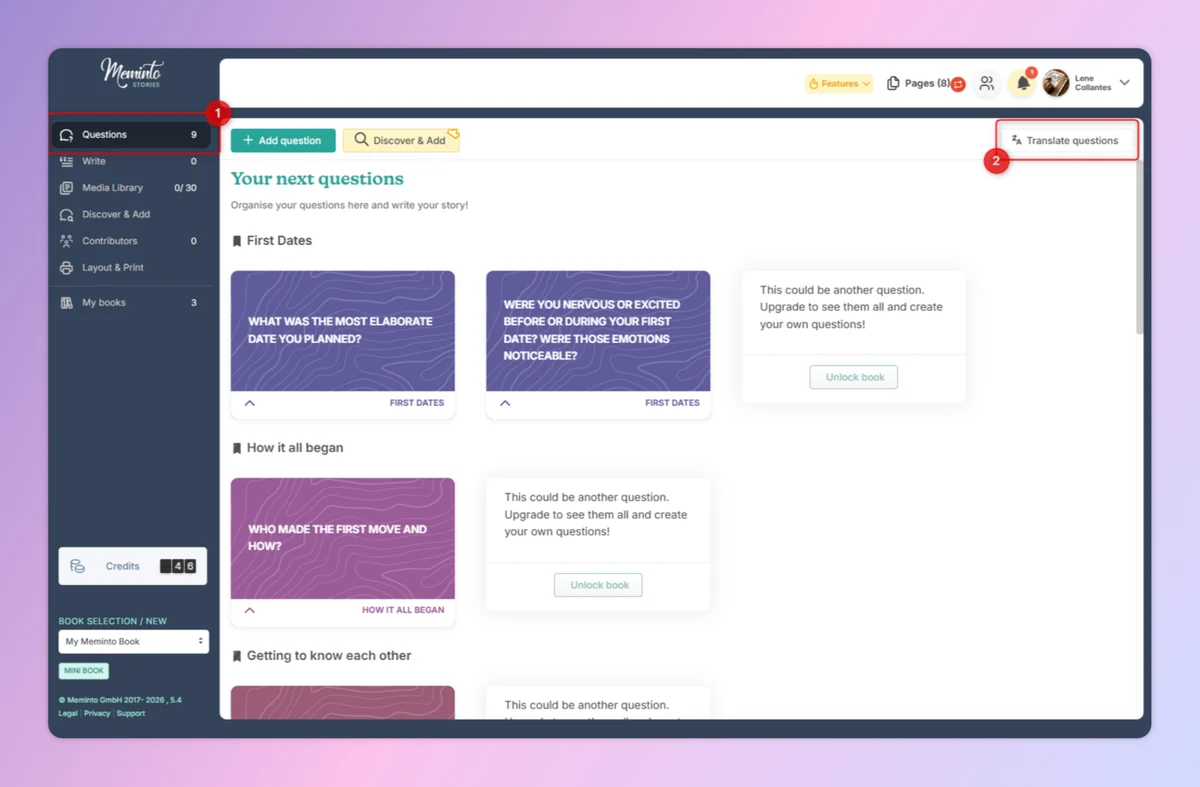
Start the translation for the collection from the Questions area.
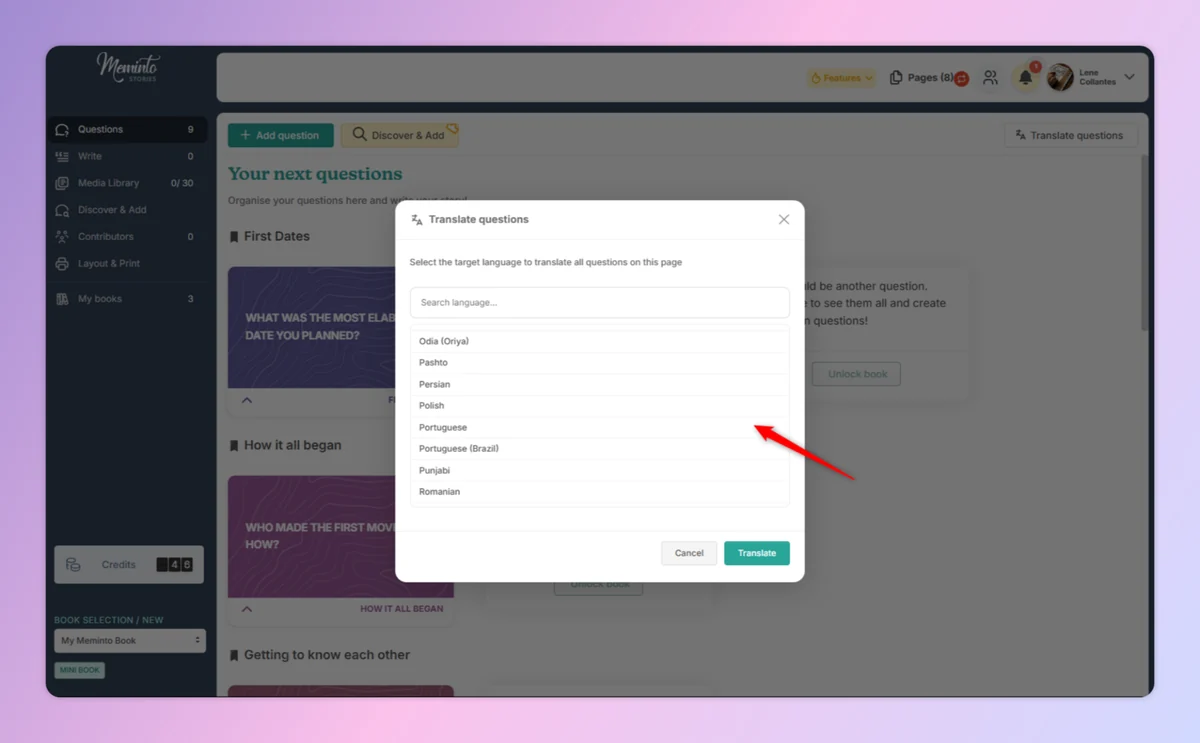
Choose an available target language and start translating all questions.
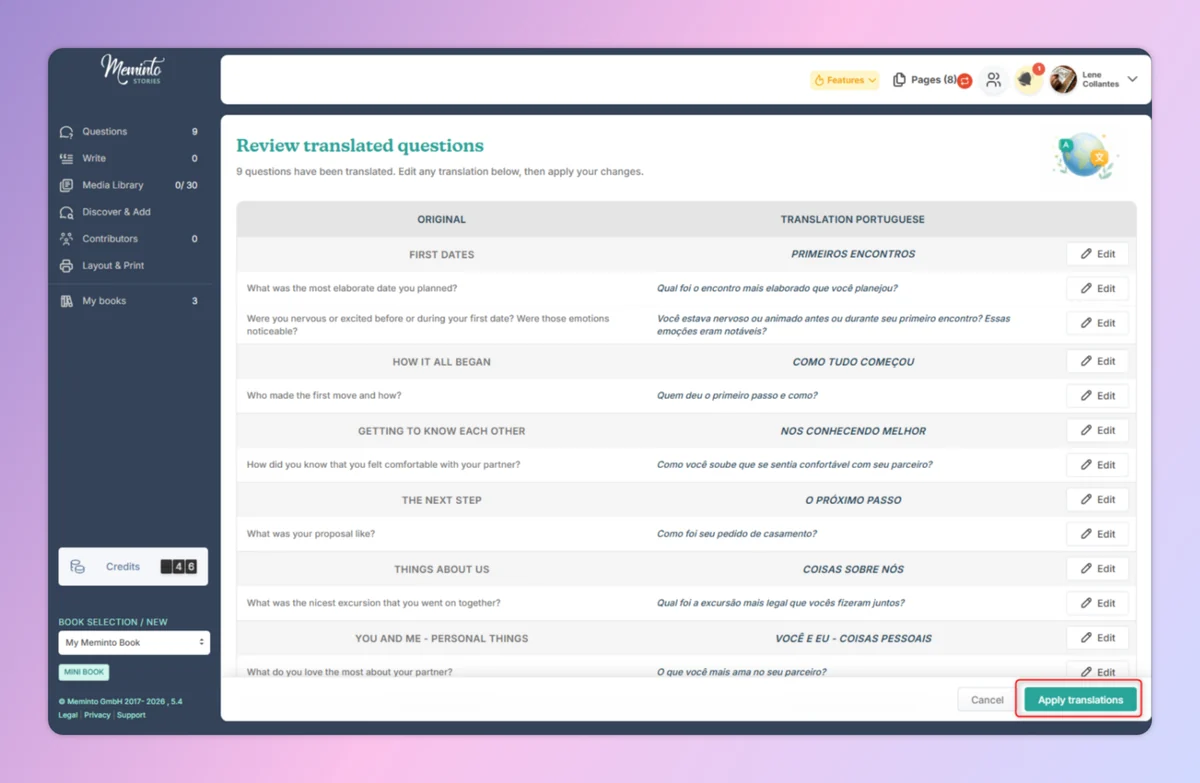
Original and translation sit side by side. Individual questions can be corrected.
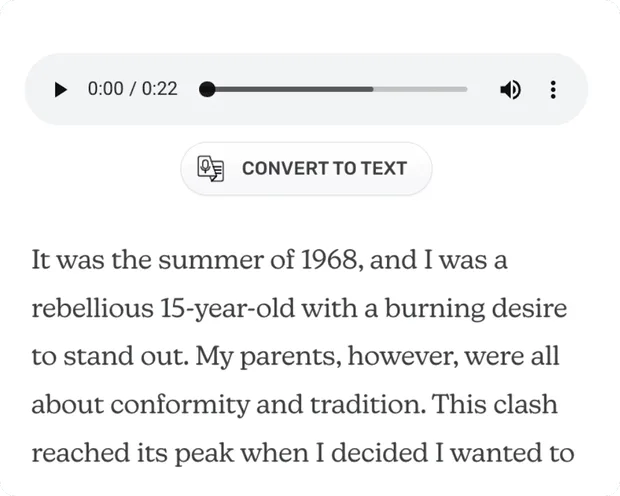
StoryScribe
In the browser, upload an existing recording or record directly. In the Meminto app, you can transcribe an audio file and select the recognition language. StoryScribe creates text that you can edit and then continue processing with the AI tools.
In the browser, you can record or upload audio; in the app, you can transcribe an audio file and select the recognition language.
The generated text can be reviewed, adjusted and expanded afterwards.
Transcription uses credits; the process must be confirmed before processing begins.
StoryScribe
StoryScribe supports the following 23 speech-recognition variants.

Meminto AI
Open Meminto AI beside the text you want to transfer. Choose “Translate”, review the suggestion and decide whether to keep it. Credit requirements depend on text length and are shown before the action starts.
Choose “Translate” in the Meminto AI workflow and review the result afterwards.
You see the result and decide whether it should remain in your project.
Text length determines the requirement. Credits are used when the action runs – even if you discard the result.
Language support in detail
Each layer has a different language scope. Keeping them separate prevents false expectations.
Life Story Books can be started with question collections in English, German, Spanish and Portuguese (PT and BR). Other book types start in English or German.
After setup, you can continue writing in almost any language written from left to right. Check character rendering and fonts in the book preview.
Speech recognition has its own language scope. The 23 variants are shown above and are separate from preconfigured book languages and available AI target languages.
Loved by thousands of families
4.8 / 5on Trustpilot
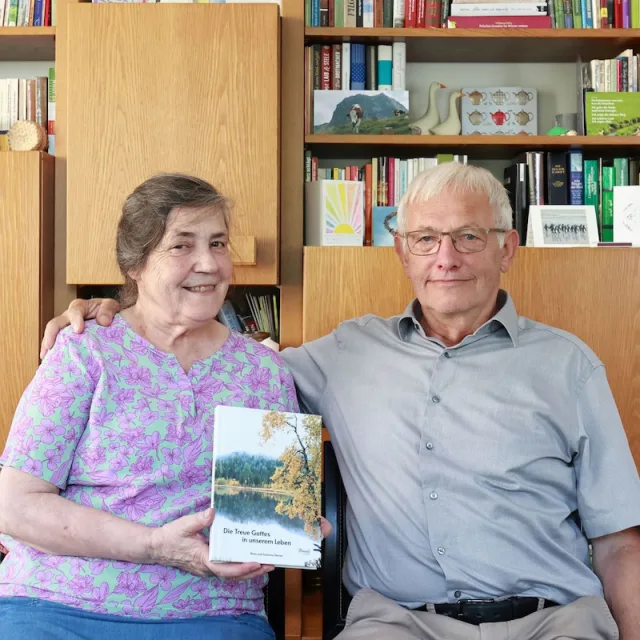
“We would like to give the whole team our heartfelt thanks for the quick help we received time and again with our book project. It is a joy to see how smoothly and easily everything works with Meminto Stories.

“I highly recommend the childhood book . I made it for my son so he knows how great our family time used to be. He already loves it and enjoys looking at it over and over again.

“I am a photographer and value high print quality. Meminto has absolutely met that. I genuinely love the idea behind collecting stories, not just our own but of those around us. Read my Meminto review here.
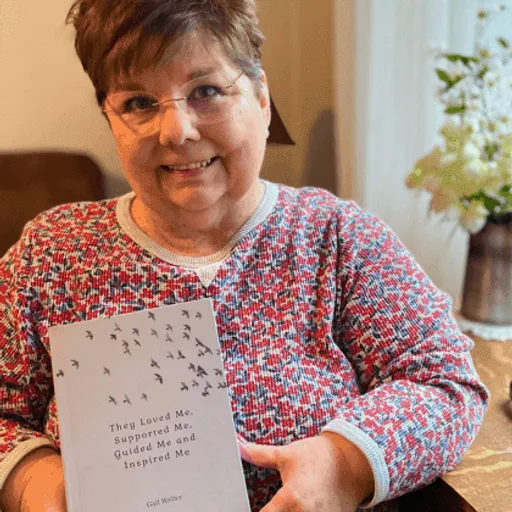
“I’ve been writing my life story since I was in my 20’s. Now I finally have a medium for capturing my tales on paper in a beautifully printed book, using ‘copy & paste’ and the Meminto blank book option. I’m already working on my second book! You can find my review here!

“Elise’s grandmother Carole decided to immortalize the first years of Elise’s life in a Meminto Childhood book. An almost 500-page thick book has been created, and Elise was full of joy!

“I have captured the stories of our family over the last 12 months. It’s more than just a photo book: you feel gratitude for all the great moments! Here is my Meminto review.
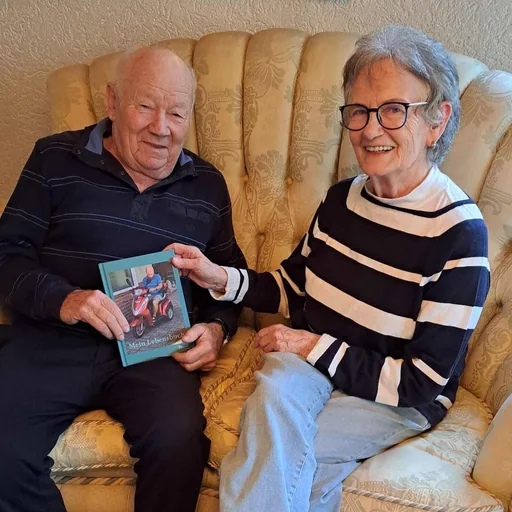
“My neighbour Helga helped me write the story of my life into a book. Remembering the old days brought me joy, and now I have something to pass on to my grandchildren.
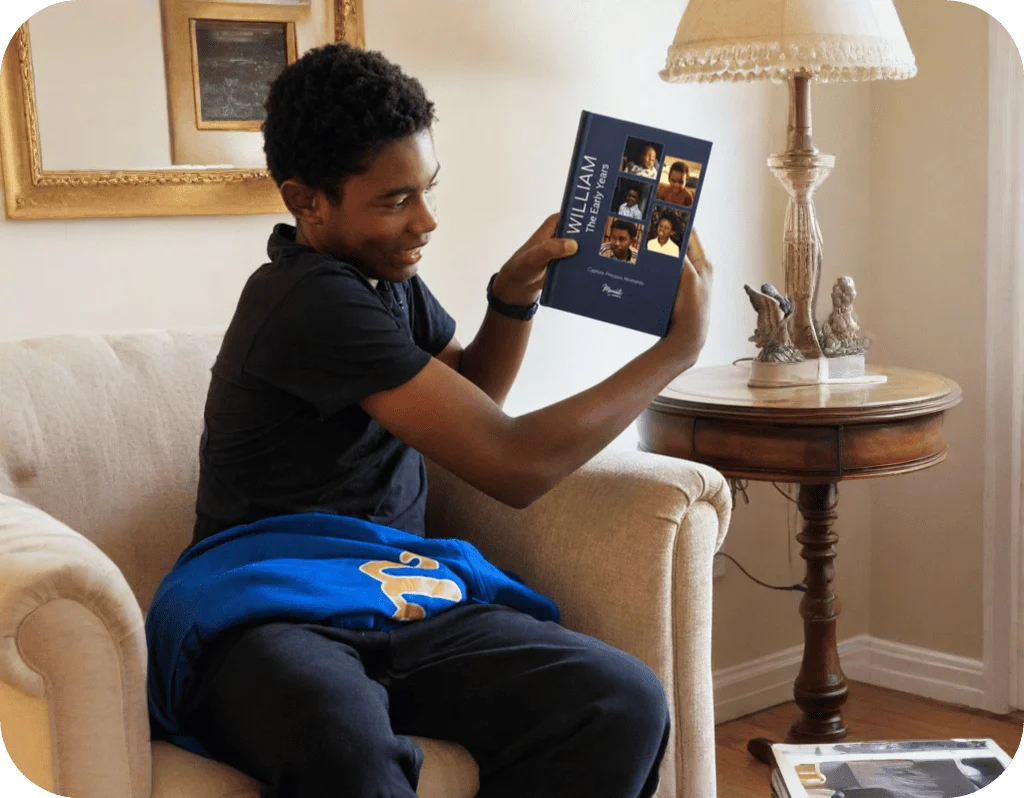
“William’s grandmother, Carole, created a Meminto Childhood book as a surprise for his 13th birthday. After months of dedication and a last-minute race to finish, the gift arrived just in time and William was so captivated that he read it aloud to his family on the drive home
Common questions
The key differences between questions, spoken memories and written answers.
Yes. From the Questions area, start translation for the complete collection, choose an available target language and review every result afterwards.
Yes. The review screen places original and translation side by side. You can edit individual questions and only apply the translation when you are satisfied.
StoryScribe first turns a voice recording into text. You can then edit that text and translate it into a supported target language with Meminto AI.
StoryScribe supports 23 variants, including German, two English variants, Spanish, Portuguese, French, Italian, Polish, Turkish, Korean, Chinese and more. You can find the complete list in the “Which languages does StoryScribe support?” section above.
Life Story Books have question collections in English, German, Spanish and Portuguese (PT and BR). Other book types start in English or German.
Yes, in almost any language written from left to right. Check the book preview afterwards and adjust the font if necessary.
Not currently. Meminto presently supports writing systems that run from left to right only.
Transcription and text translation with Meminto AI use credits. For text AI, the requirement depends on text length and is shown before starting; transcription must be confirmed before processing.
Meminto translates questions and text within a project. Managing parallel complete book editions in multiple languages is not part of this workflow.
Meminto works directly in your browser — on a computer, tablet or phone, with nothing to install. If you prefer speaking to typing, you can also use the Meminto app for iOS and Android.
Meminto as an app:


Start with a mini book and check how your language, characters and story work inside Meminto.