
The familiar voice
A story feels different when a parent, grandparent or friend tells it in their own words.
More than printed words
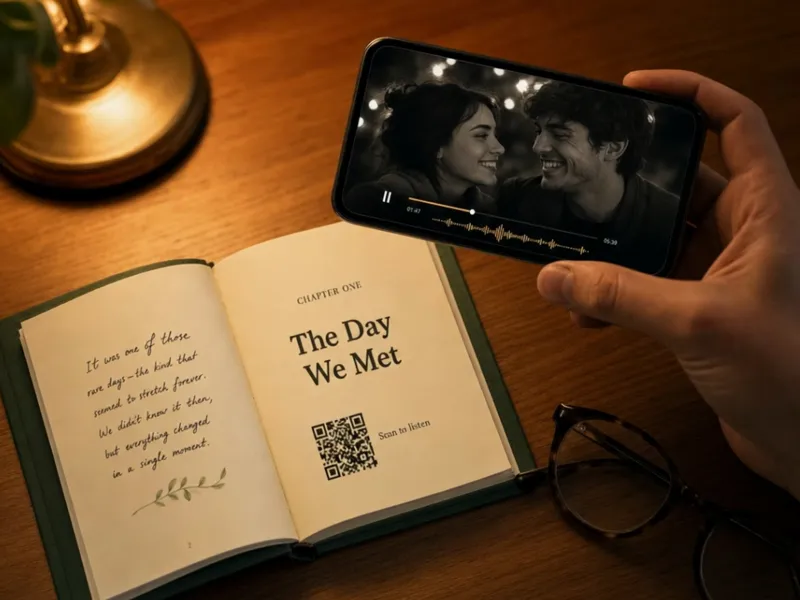
Text preserves what someone said. Their real voice preserves how it sounded: the laugh in the middle, a favourite song or the toast at a celebration. Meminto connects those recordings to the matching printed story through a QR code.
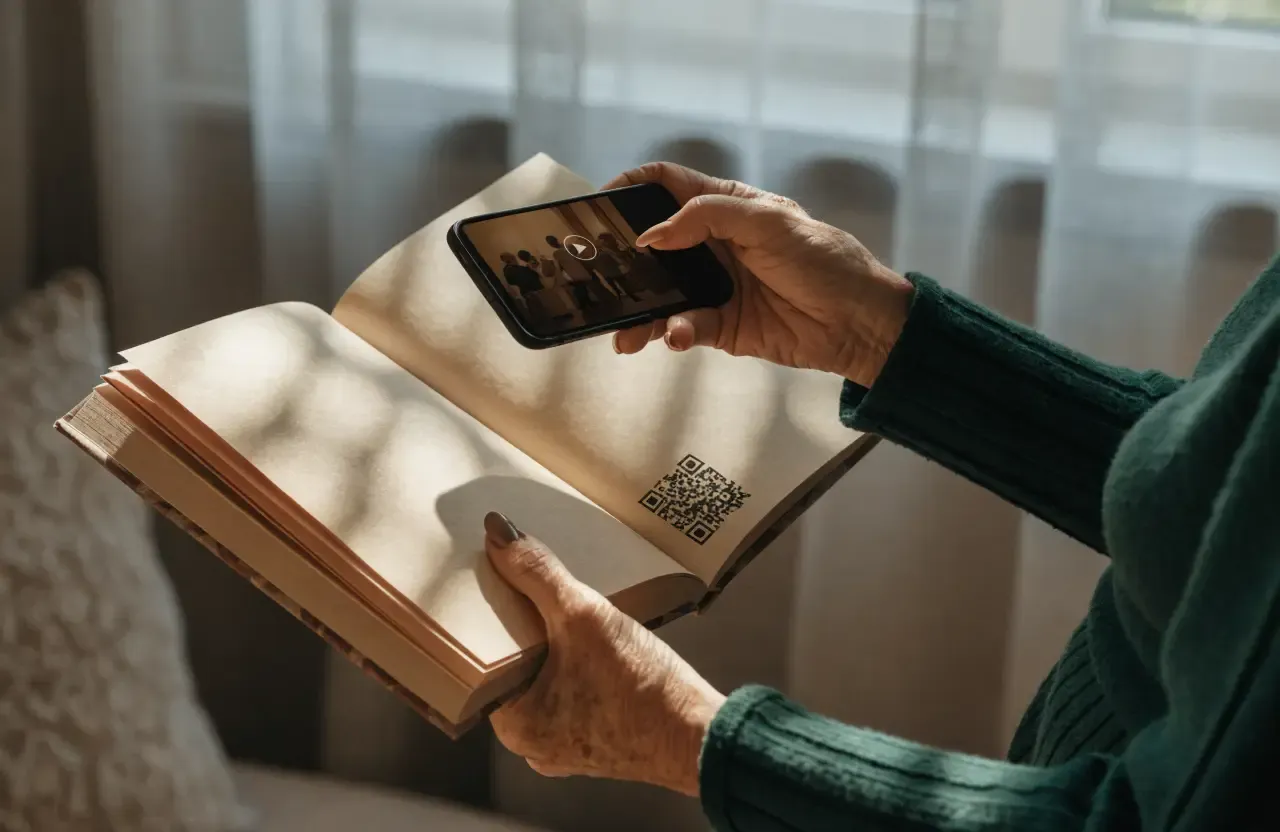
To play it back, point a smartphone camera at the code, open the linked recording and listen or watch while reading the book.
Linked automatically
Meminto creates the QR code after you save
Check before print
The code already appears in book preview
Simple to scan
Readers open the recording with a phone camera
The short answer
Record a spoken answer, upload an existing audio file or add a video. Once it is saved, Meminto links the media to a QR code automatically. You can see the code in My Books preview before printing; in the finished book it sits beside the related story. Scanning it opens the recording on a phone.
Step by step in the Helpdesk:How “Scan to Listen” works with the QR code
What print cannot carry
The QR code does not replace the written story. It adds the parts that live in tone of voice, movement and atmosphere.
A story feels different when a parent, grandparent or friend tells it in their own words.
A song, an accent or the laugh between two sentences carries more than a transcript can.
Video keeps gestures, expressions and movement that cannot fit on a printed page.
Linked automatically
Meminto keeps the recording with the right answer and handles the technical link for you.
 01
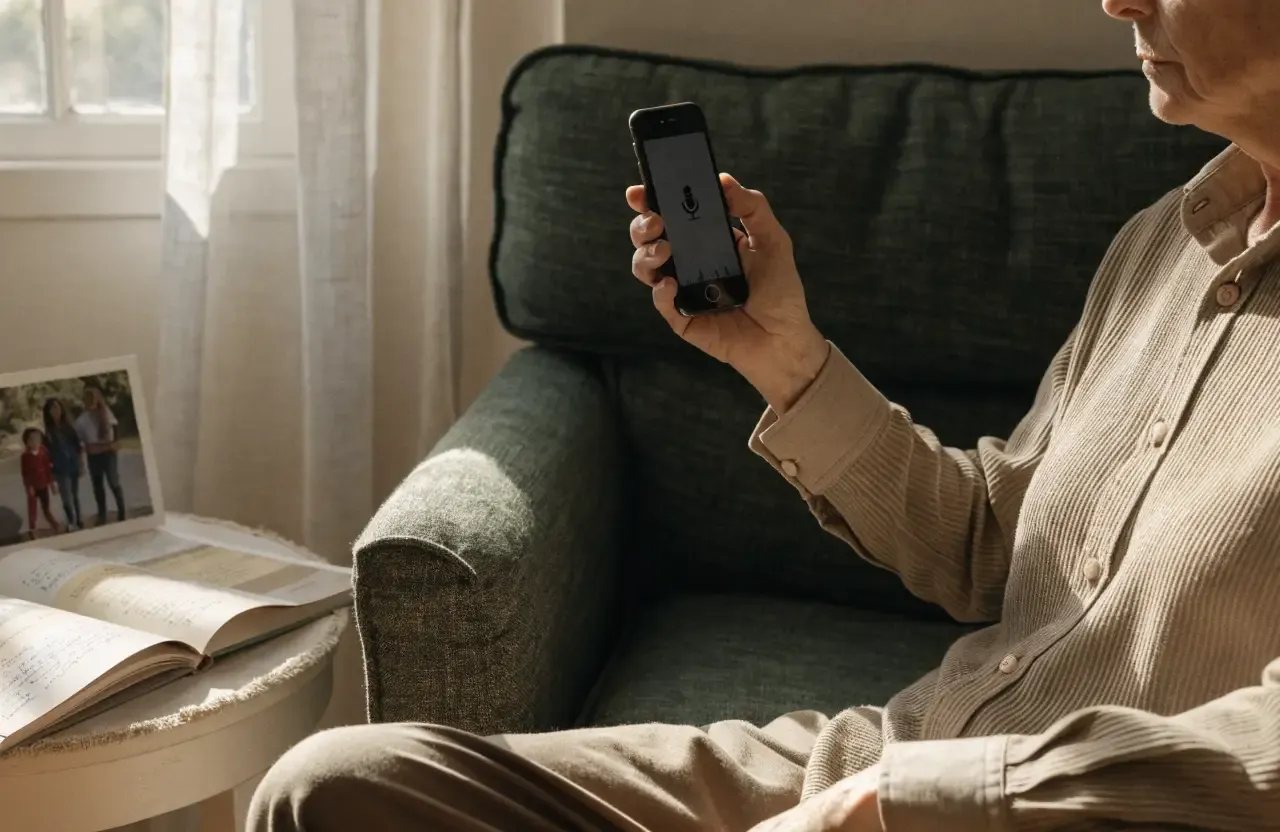
01Speak an answer directly or choose an existing audio file. Videos can be uploaded in the smartphone app or added through a YouTube link.
 02
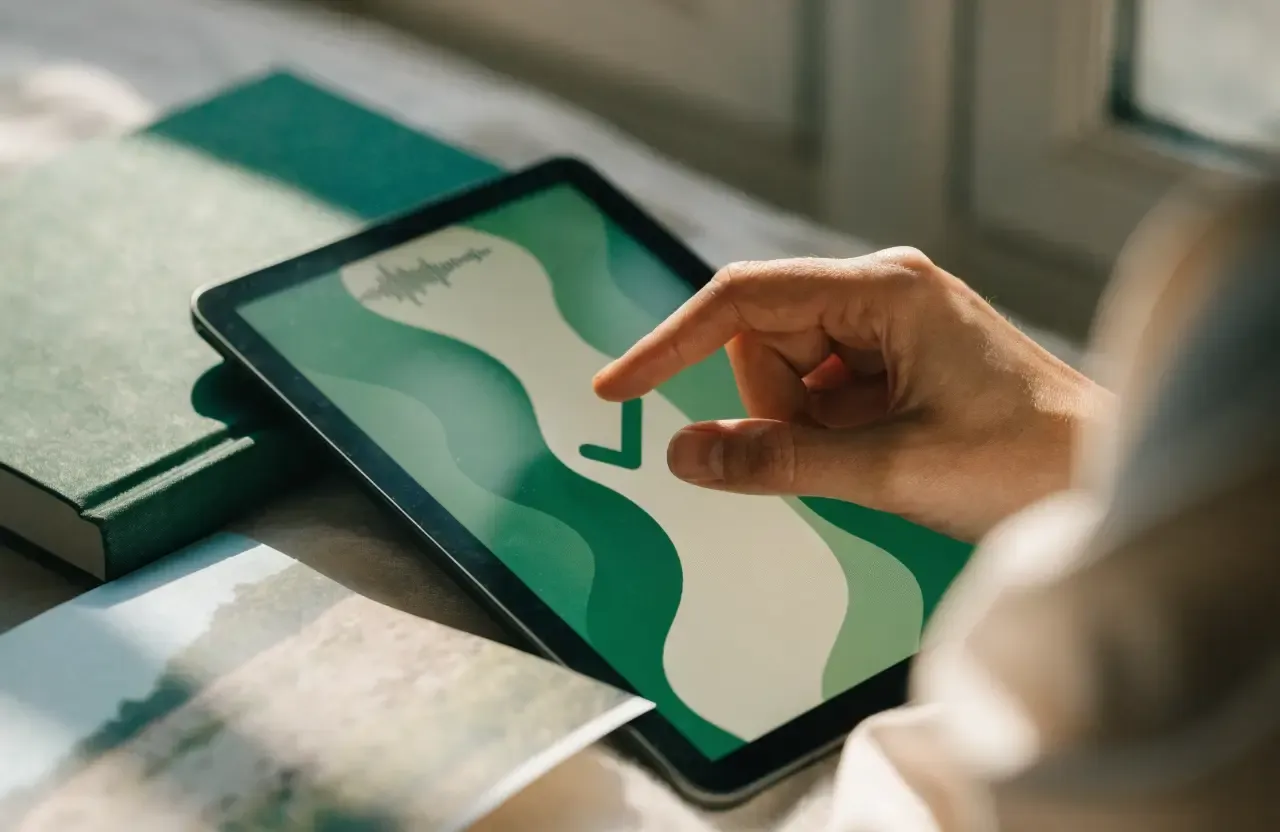
02The media remains attached to the matching question or written section in the book project.
 03
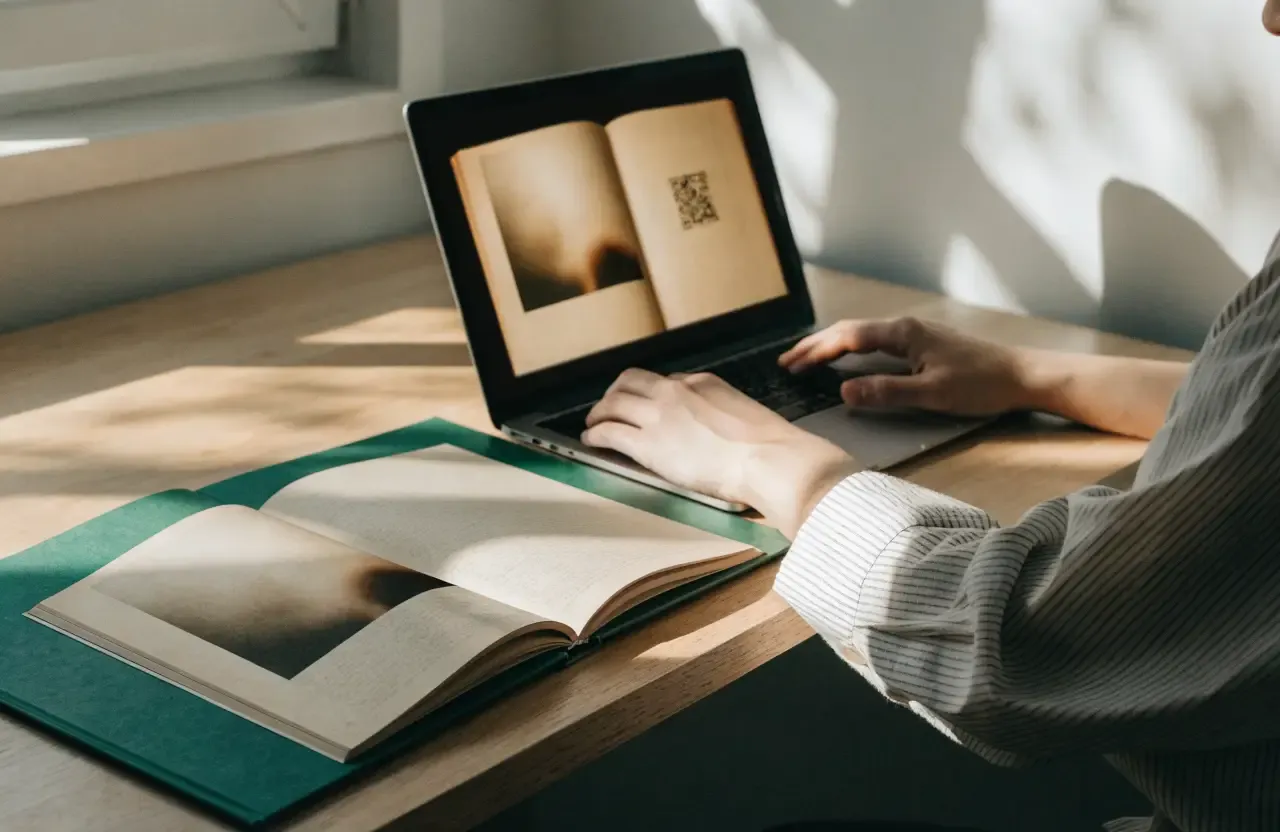
03My Books preview shows where the QR code will appear in the printed book.
 04
04In the finished book, a reader scans the code with a phone camera and opens the linked recording.
Reading meets replay
The printed chapter gives the story shape. The QR code opens the recording behind those words – on the phone beside the book.
Choose where the media lives
The three routes mainly differ in where the file is stored and who controls its future availability.
Record an answer or upload an audio file. Meminto creates the QR code automatically and links it to the story.
Audio recordings are stored without an ongoing storage fee.
Upload a video through the Meminto smartphone app. The file is stored on Meminto servers for the QR-code playback.
Extension charges may apply after the included storage period.
Attach a URL from your own YouTube account to the relevant answer. Meminto prints the corresponding QR code.
Unlisted works; a private or deleted video cannot be opened through the QR code.
How families use it
Parents or grandparents tell a defining moment themselves – with pauses, accent and their own sense of humour.
A wedding toast, milestone-birthday wishes or messages from friends stay beside the matching book page.
A family song, an instrument or a childhood recording adds another dimension to photos and text.
The image holds one instant; the video lets readers see what happened just before and after it.
Transparent, not fine print
Digital media must remain reachable for a printed QR code to work. It is worth choosing the storage route before printing.
No ongoing storage fee
Audio recordings are stored without an ongoing storage fee. The QR code stays linked to the recording stored with Meminto.
Included period, then extendable
Storage is initially included beyond printing. Meminto sends reminders before expiry; keeping videos for further years may cost extra. After expiry, a limited reactivation window remains available.
No Meminto storage fee
You control the video and its visibility. It must remain public or unlisted and continue to exist; private or deleted videos cannot open from the QR code.
Loved by thousands of families
4.8 / 5on Trustpilot
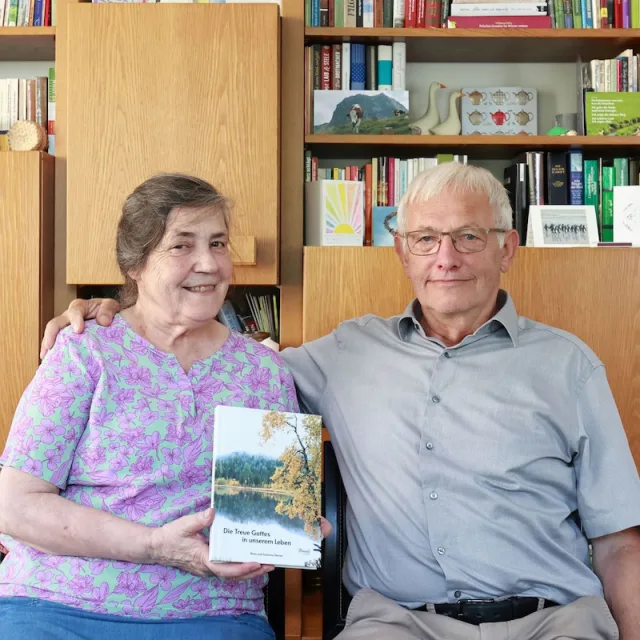
“We would like to give the whole team our heartfelt thanks for the quick help we received time and again with our book project. It is a joy to see how smoothly and easily everything works with Meminto Stories.
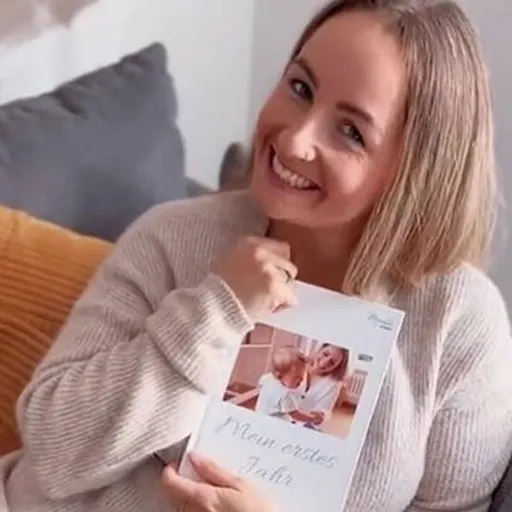
“I highly recommend the childhood book . I made it for my son so he knows how great our family time used to be. He already loves it and enjoys looking at it over and over again.
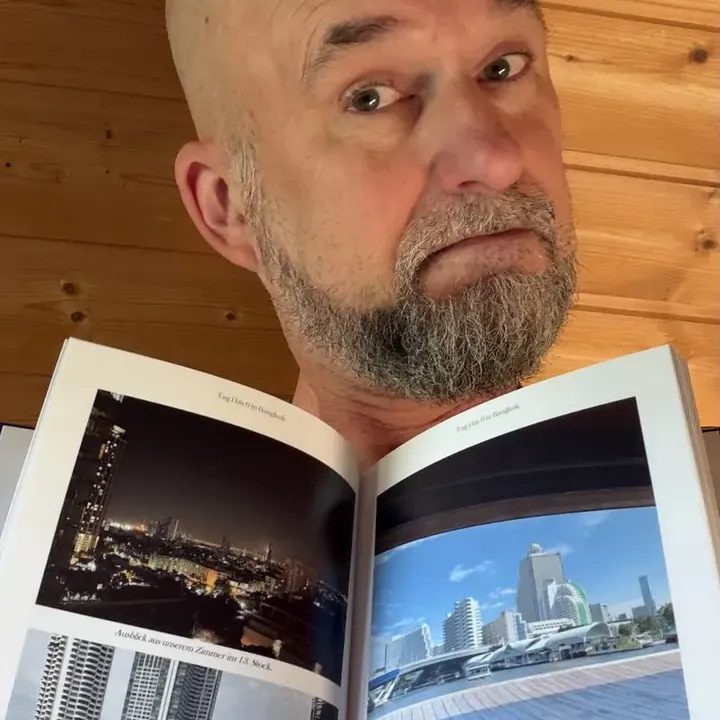
“We captured our world trip in a book. In the first copy, the pictures were not visible because of a printing error. Within a few days, Meminto produced and sent us a replacement free of charge. We are very happy with the fast support and the continued improvements to the software.
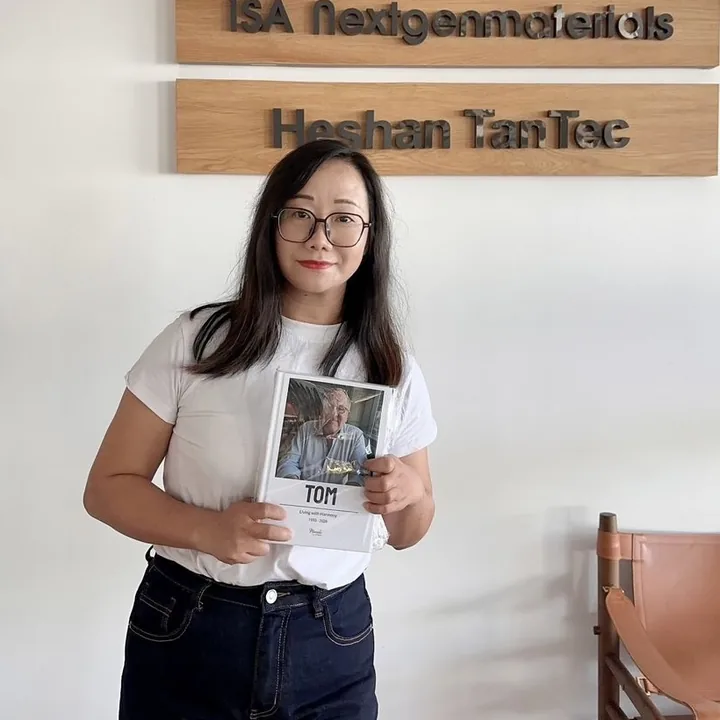
“Tom was CEO of several international companies and died in a car accident in 2025. His daughter and 160 friends and employees came together to create a life story book in his memory. The woman pictured is one of Tom’s employees. Copies of the book were sent to many countries.
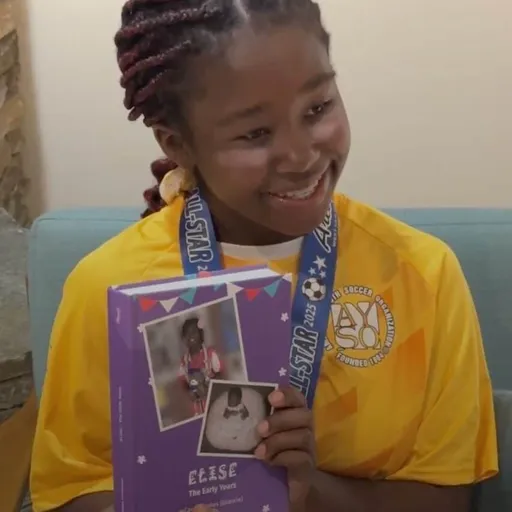
“Elise’s grandmother Carole decided to immortalize the first years of Elise’s life in a Meminto Childhood book. An almost 500-page thick book has been created, and Elise was full of joy!
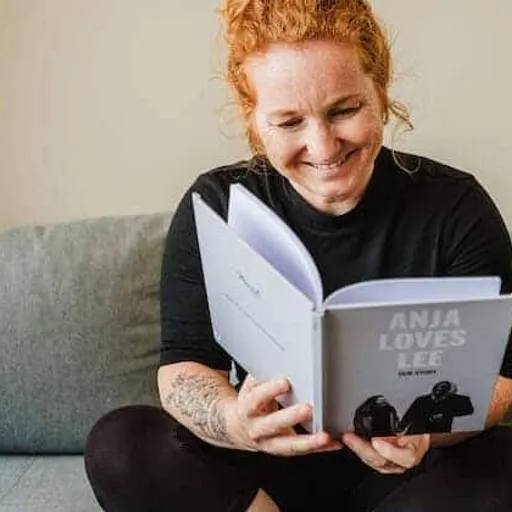
“I am a photographer and value high print quality. Meminto has absolutely met that. I genuinely love the idea behind collecting stories, not just our own but of those around us. Read my Meminto review here.
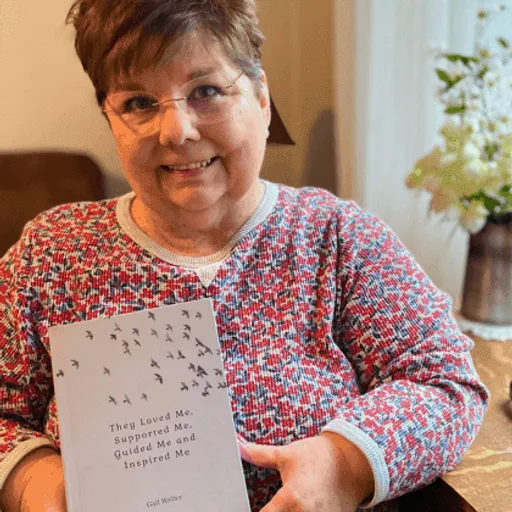
“I’ve been writing my life story since I was in my 20’s. Now I finally have a medium for capturing my tales on paper in a beautifully printed book, using ‘copy & paste’ and the Meminto blank book option. I’m already working on my second book! You can find my review here!
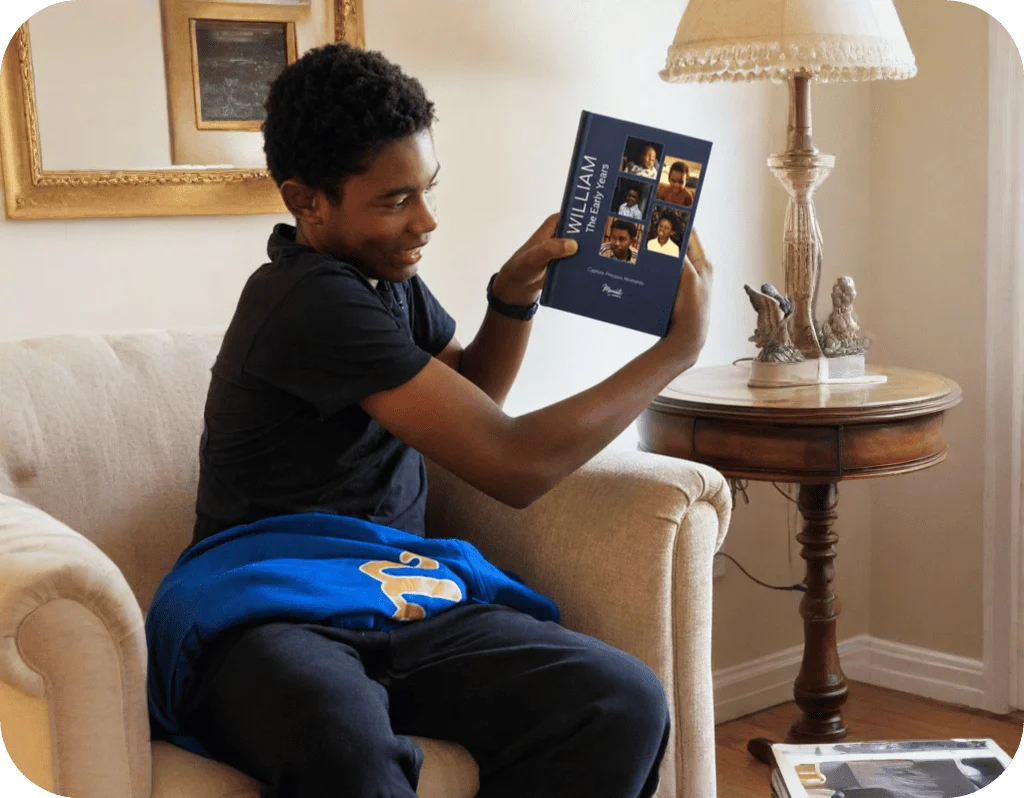
“William’s grandmother, Carole, created a Meminto Childhood book as a surprise for his 13th birthday. After months of dedication and a last-minute race to finish, the gift arrived just in time and William was so captivated that he read it aloud to his family on the drive home
Frequently asked questions
Clear answers about recording, preview, access and continued storage.
No. Once you record or upload audio and save it, Meminto creates the matching QR code automatically. It appears in book preview beside the linked story.
The QR code is scanned with a smartphone camera, which opens the linked recording. Readers do not need to edit or join the book project to use it.
Yes. You can upload an existing audio file as well as create a new recording, then save it with the relevant story in the book.
A video can be uploaded through the Meminto smartphone app or attached to an answer as a YouTube link. A YouTube video must remain accessible and cannot be set to private.
Yes. Open Preview under My Books. The QR code appears where it will later be placed in the printed book.
Audio is stored without an ongoing storage fee. Videos stored directly on Meminto servers may require a paid extension after the included period. YouTube links do not incur Meminto storage charges but depend on your YouTube account.
A private or deleted YouTube video cannot open from the printed QR code. For expired Meminto video storage, a limited reactivation window remains available.
Meminto works directly in your browser — on a computer, tablet or phone, with nothing to install. If you prefer speaking to typing, you can also use the Meminto app for iOS and Android.
Meminto as an app:


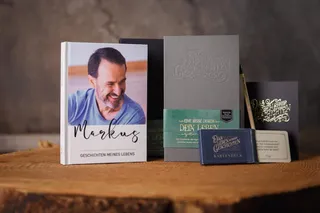
Start your book project and bring text, photos, voices and videos together in a memory that lives on more than one level.