
01
Get started
A small first step instead of a blank page: a writing invitation, an optional question or free storytelling – even with no idea yet.
“I want to write my life story, but I don’t know where to begin.”
Meminto Stories for ChatGPT & Claude
You have stories to tell, but a whole book feels like too much at once. Meminto Stories gives your AI assistant seven writing workflows – from the first sentence to the print check. Your memories stay yours, and nothing is saved without your okay.
The guide shows the setup route currently available for ChatGPT, Codex and Claude. Meminto Stories is still under review for the public directories.
The hardest part
A whole book at once is too much – and that is where most life stories stall. You do not need to start with a chapter plan. One memory, a few notes or a manuscript that has been sitting in a drawer for years is enough. The structure can grow as you write.
Seven workflows, one book
No commands to learn. Just describe what you need and the assistant picks the right workflow. Memoirs, family and travel books, your own factual topics and explicitly requested fiction are all possible.
A small first step instead of a blank page: a writing invitation, an optional question or free storytelling – even with no idea yet.
“I want to write my life story, but I don’t know where to begin.”
Scattered memories and notes become a provisional, flexible outline – you decide what stays.
“Organize these ideas into chapters. Keep the plan provisional.”
A technique explained with a small example and a short exercise – your voice stays yours.
“Help me write a more vivid opening without inventing anything.”
Clearer, shorter or smoother – Hemingway-inspired if you like. Facts, uncertainty and narrator stay intact.
“Make this passage clearer and show me the proposal before saving.”
Gaps, unclear chronology or a shifting voice – with references to the passages, without changing anything.
“Check my travel stories for contradictions and cite the passages.”
An existing Word, text or PDF manuscript becomes chapters and sections – after you review the complete plan.
“Import my Word manuscript and show me the whole plan first.”
Technical blockers, warnings and optional improvements kept apart – such as photos that are too small or empty chapters.
“Check my book before printing and explain what needs attention.”
Your story, your words – the assistant helps you shape it, not invent it.
How it works
Add Meminto Stories to ChatGPT, Codex or Claude. The guide shows the route currently available.
Planning, outlining and writing practice with your own material work right in the chat – no Meminto account needed yet.
Ready to save? Sign in on Meminto’s own page. The AI provider never sees your password.
Step by step in the Helpdesk:Use Meminto Stories with ChatGPT, Codex, or Claude (MCP)
Full control
Changes to existing text appear as a concrete preview first. Only what you explicitly approve is saved.
The replaced text is stored as a version. You can go back to the old wording at any time.
Missing memories, dialogue or facts are not filled in. Uncertain details stay uncertain.
Meminto Stories does not delete whole books, switch templates, place orders or process payments.
Manuscript import
Headings are optional. The assistant proposes chapters and sections, you review the complete converted text and selected images – and only then are new chapters added to your existing book.
Through a private, single-use Meminto upload link. A chat attachment on its own is not an upload.
Proposed chapters, the whole converted text and supported images – complete, not just an excerpt.
New chapters are added only after you approve the concrete plan. Your existing stories stay untouched.
Importing needs an existing writable book that you own. PDF text is reflowed; an identical source layout and OCR for scanned pages are not promised. Images from general PDFs go into the gallery first. Recognized public YouTube links can become video/QR references; other links stay text. A finished import does not certify print readiness.
Two ways to use AI
Meminto has its own AI tools right in the editor. Meminto Stories also brings your book into the assistant you already use.
For single paragraphs and sentences while you write in Meminto.
For the whole book: start, plan, revise, review and import – in conversation.
Connection & data
Before connecting, review the requested permissions. Book information the assistant retrieves – such as manuscript text, photo information, import previews or private working notes – goes to the AI provider you chose, under its terms and account settings. You can disconnect at any time in the assistant’s settings; your Meminto book is not deleted.
Meminto Stories
One sentence, one note, an old manuscript – that is all you need to begin. You write the rest step by step, with help whenever you want it.
Loved by thousands of families
4.8 / 5on Trustpilot
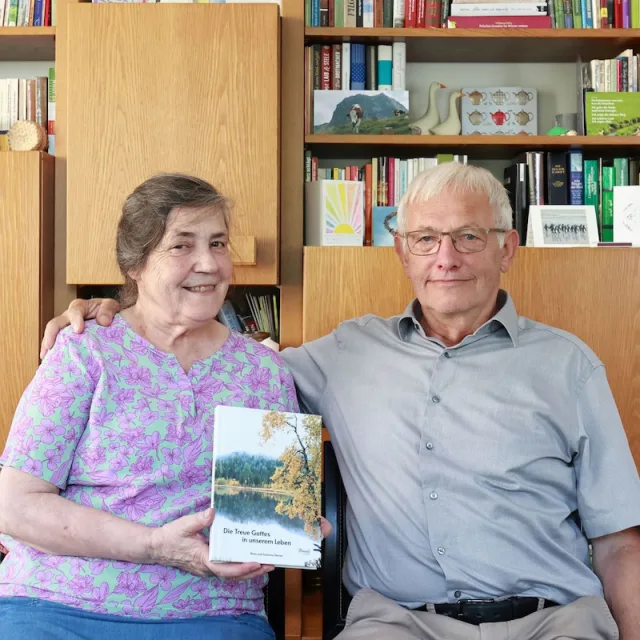
“We would like to give the whole team our heartfelt thanks for the quick help we received time and again with our book project. It is a joy to see how smoothly and easily everything works with Meminto Stories.

“I highly recommend the childhood book . I made it for my son so he knows how great our family time used to be. He already loves it and enjoys looking at it over and over again.
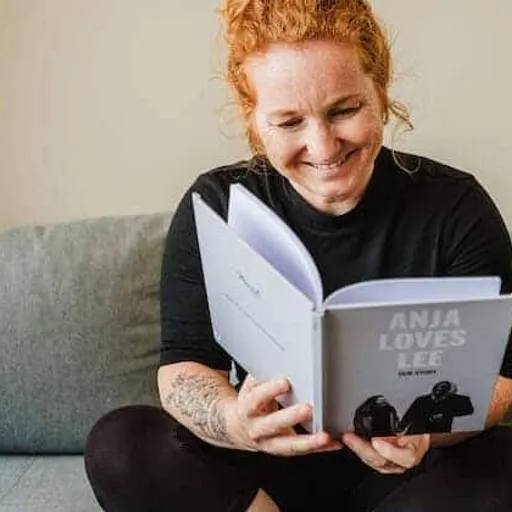
“I am a photographer and value high print quality. Meminto has absolutely met that. I genuinely love the idea behind collecting stories, not just our own but of those around us. Read my Meminto review here.
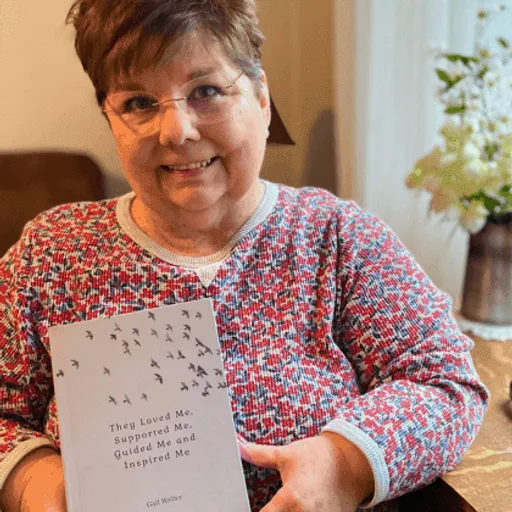
“I’ve been writing my life story since I was in my 20’s. Now I finally have a medium for capturing my tales on paper in a beautifully printed book, using ‘copy & paste’ and the Meminto blank book option. I’m already working on my second book! You can find my review here!
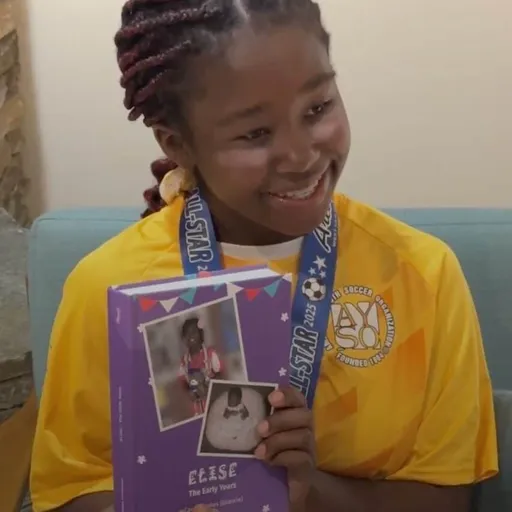
“Elise’s grandmother Carole decided to immortalize the first years of Elise’s life in a Meminto Childhood book. An almost 500-page thick book has been created, and Elise was full of joy!

“I have captured the stories of our family over the last 12 months. It’s more than just a photo book: you feel gratitude for all the great moments! Here is my Meminto review.
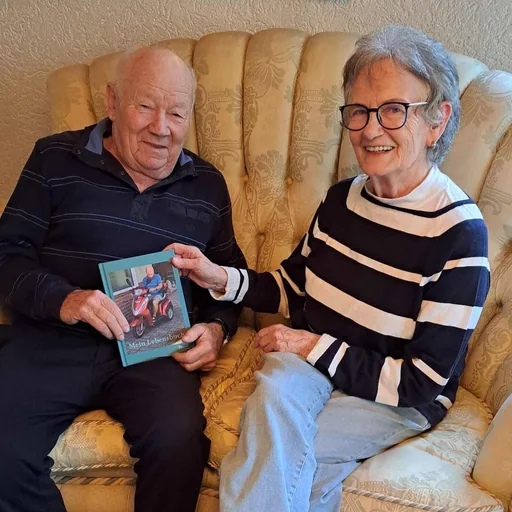
“My neighbour Helga helped me write the story of my life into a book. Remembering the old days brought me joy, and now I have something to pass on to my grandchildren.
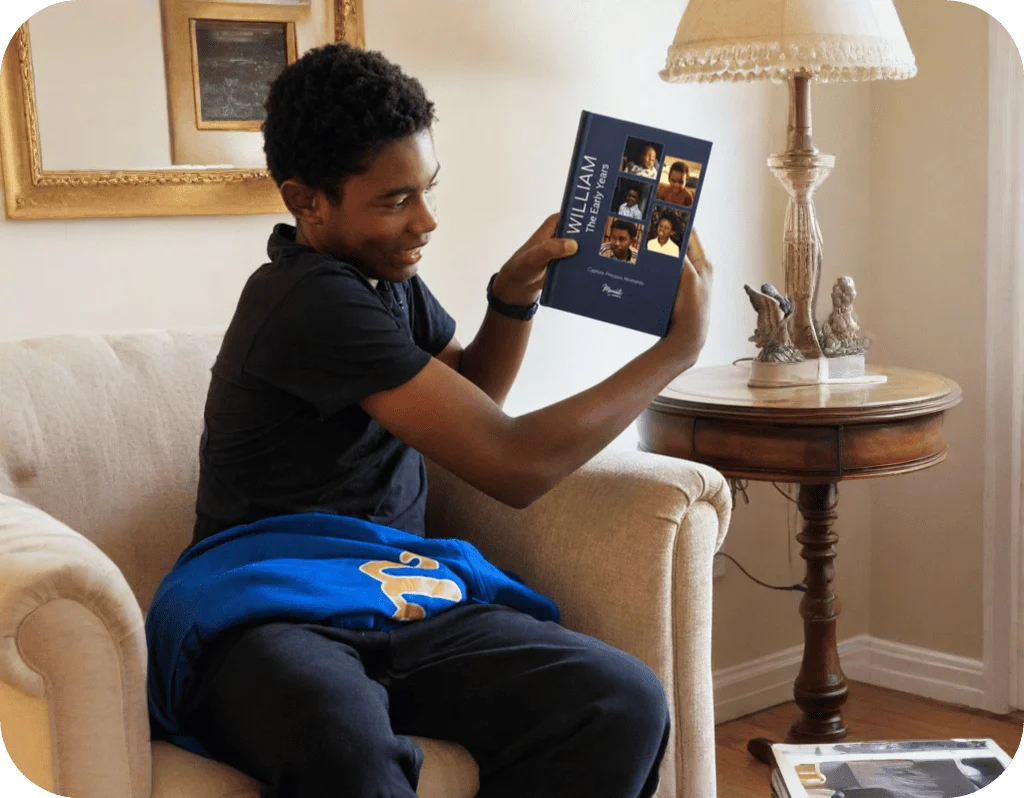
“William’s grandmother, Carole, created a Meminto Childhood book as a surprise for his 13th birthday. After months of dedication and a last-minute race to finish, the gift arrived just in time and William was so captivated that he read it aloud to his family on the drive home
Not for planning, outlining and practising with your own material – that works right in the conversation. To read or save text in a Meminto book, you connect your account and need an existing book.
No. A plan in the chat does not create a book. To save, Meminto Stories needs an existing Meminto book; you create new books in the Meminto app.
The plugin includes the seven writing workflows. An MCP connection on its own provides the book tools but does not install the writing workflows.
No. Suggestions are not permission to save. Changes to existing text are shown as a concrete preview and saved only after your explicit approval. The replaced text is kept as a version.
Word (DOCX), UTF-8 text and Markdown, and – when enabled – suitable digital PDFs. Scanned pages without a text layer are not read with OCR.
Only the book information the assistant retrieves for your request. It is processed under the terms and account settings of the provider you chose. You enter your Meminto password only on Meminto’s own sign-in page.
Meminto Stories uses your existing ChatGPT or Claude account and does not use Meminto AI credits. Your printed book follows the regular Meminto prices.
Yes, at any time in your assistant’s settings. Your Meminto book and its content stay as they are.
Meminto works directly in your browser — on a computer, tablet or phone, with nothing to install. If you prefer speaking to typing, you can also use the Meminto app for iOS and Android.
Meminto as an app:


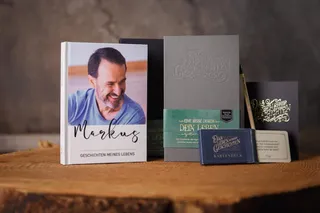
Begin with the nine-question mini book – and watch your answers become a story that lasts.