
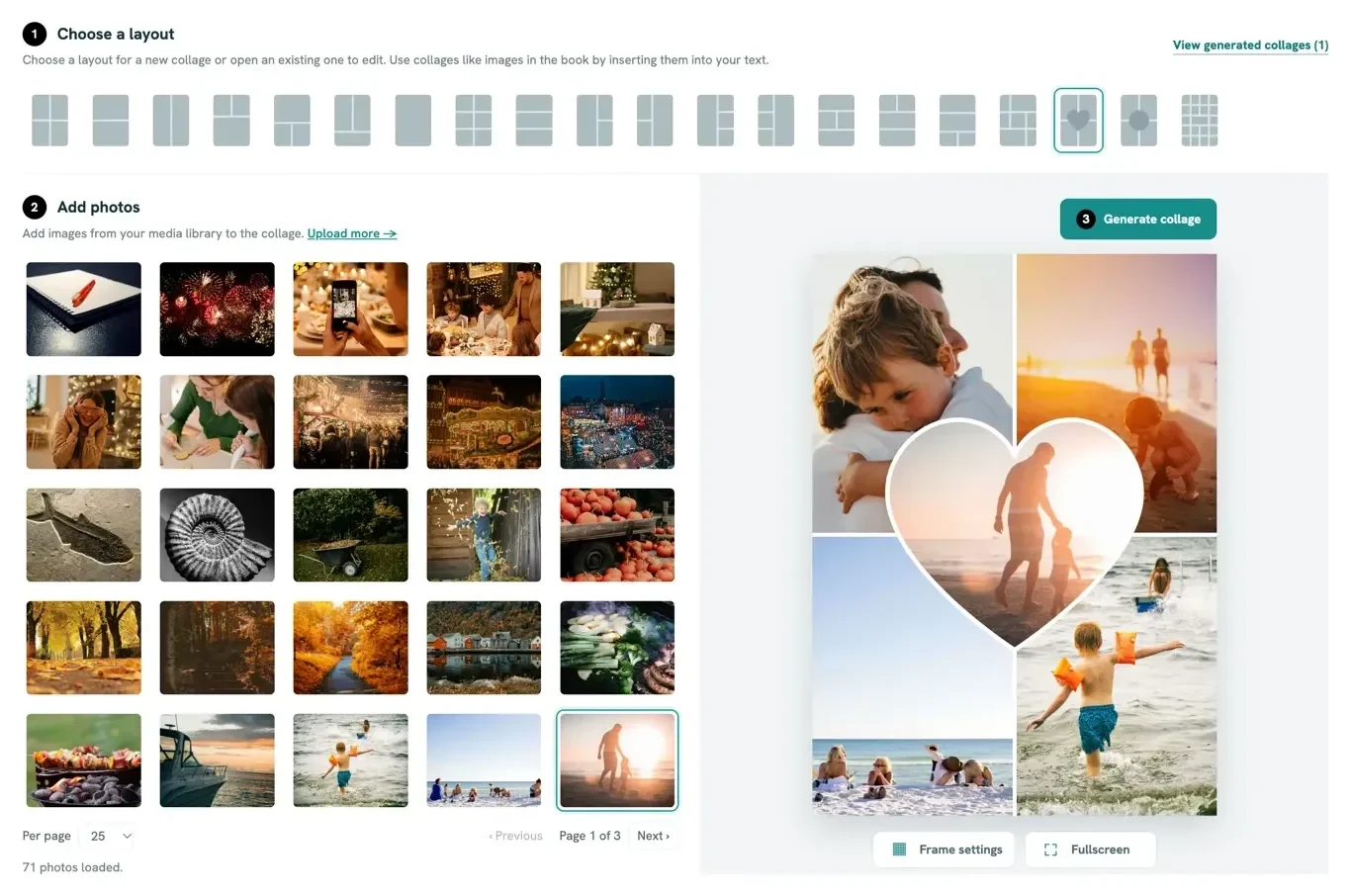
20 layouts
From two large frames, through grids of three, four or six photos, to a dense grid of many small pictures.
Collage editor
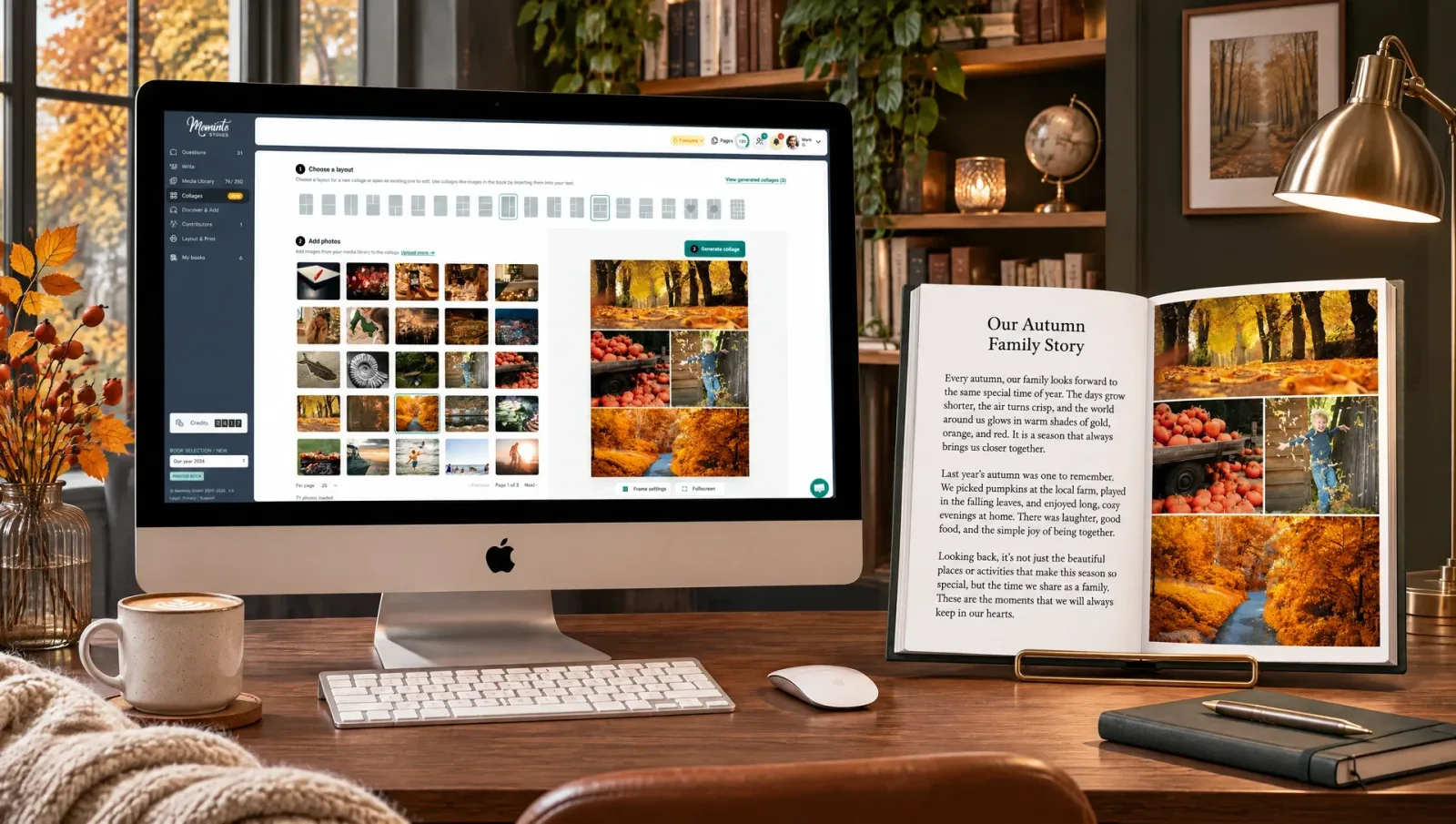
Your phone holds hundreds of pictures of the people you love, and only a few fit in the book. The collage editor puts many photos on one full book page, in one of 20 layouts that include a heart and a circle.
Sound familiar?
You picked the best ones: the beach, the birthday, the laughter at the kitchen table. Until now, a Meminto page held at most four rectangular photos. Now a single page can tell a whole year, and no picture has to stay out just because there was no room.
What the editor does
The collage editor is part of your book. No second program, nothing to export.
From two large frames, through grids of three, four or six photos, to a dense grid of many small pictures.
Two layouts with a heart or a circle at the centre, framed by more photos. Made for anniversaries, family portraits and love stories.
Every collage fills an entire page of your matte hardcover book in A5 format.
Collages are built from photos already in your media library, so they don't count again.
Reopen a finished collage, swap photos or switch to another layout.
You create collages in the browser on a computer or tablet. In the app, you add finished collages from the media library to your stories.
The layouts
A few large frames when a moment needs room. A dense grid when a whole summer belongs on one page. A heart or a circle when it is about love.

Three steps
All you need are the photos already in your book.
Pick one of the 20 layouts, or open an existing collage to edit it.
Drag photos from your media library into the frames, or click a frame to choose one. If a picture is missing, upload it right there.
Meminto saves it as a new image in your media library. From there, you add it to your story like any other photo.
Ideas for your first collage
Start early and you can invite family and friends to add their own pictures, which makes the collage even richer.
For your parents' book: the wedding picture in the middle, the years that followed around it.
Her favourite photo at the centre, framed by pictures of her grandchildren.
A dense grid of the moments of a whole year, an ending that stays with you.
Loved by thousands of families
4.8 / 5on Trustpilot
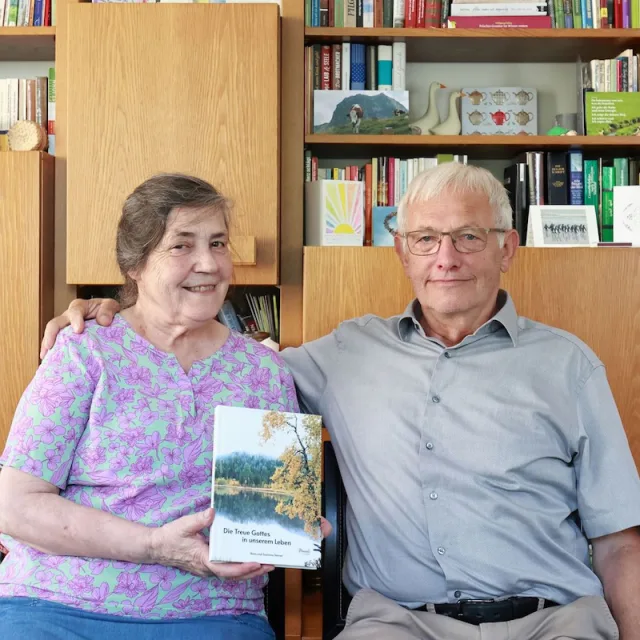
“We would like to give the whole team our heartfelt thanks for the quick help we received time and again with our book project. It is a joy to see how smoothly and easily everything works with Meminto Stories.

“I highly recommend the childhood book . I made it for my son so he knows how great our family time used to be. He already loves it and enjoys looking at it over and over again.
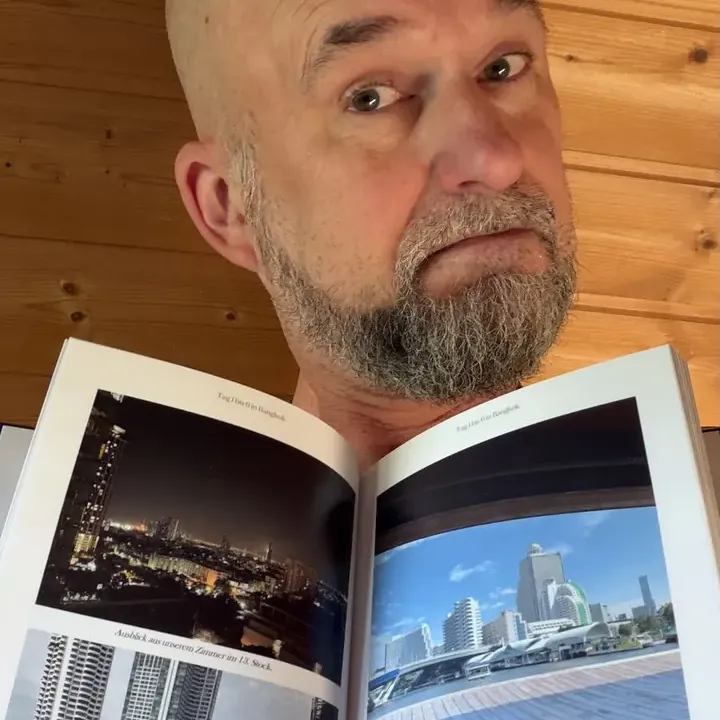
“We captured our world trip in a book. In the first copy, the pictures were not visible because of a printing error. Within a few days, Meminto produced and sent us a replacement free of charge. We are very happy with the fast support and the continued improvements to the software.

“Tom was CEO of several international companies and died in a car accident in 2025. His daughter and 160 friends and employees came together to create a life story book in his memory. The woman pictured is one of Tom’s employees. Copies of the book were sent to many countries.
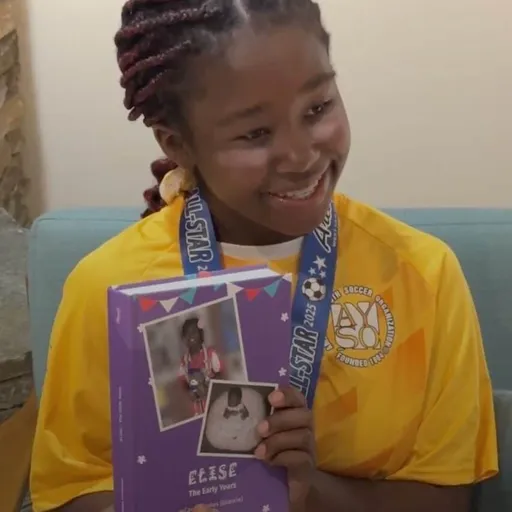
“Elise’s grandmother Carole decided to immortalize the first years of Elise’s life in a Meminto Childhood book. An almost 500-page thick book has been created, and Elise was full of joy!

“I am a photographer and value high print quality. Meminto has absolutely met that. I genuinely love the idea behind collecting stories, not just our own but of those around us. Read my Meminto review here.
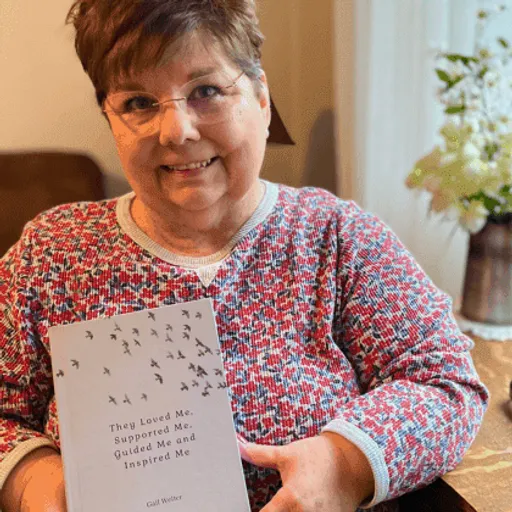
“I’ve been writing my life story since I was in my 20’s. Now I finally have a medium for capturing my tales on paper in a beautifully printed book, using ‘copy & paste’ and the Meminto blank book option. I’m already working on my second book! You can find my review here!
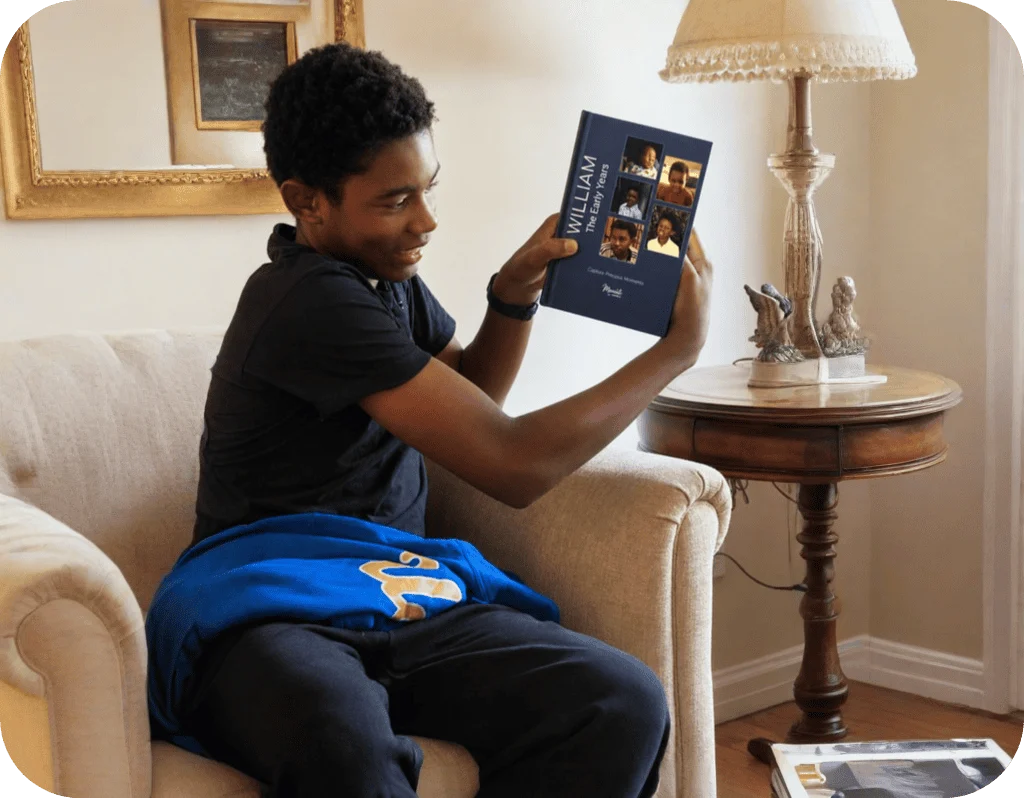
“William’s grandmother, Carole, created a Meminto Childhood book as a surprise for his 13th birthday. After months of dedication and a last-minute race to finish, the gift arrived just in time and William was so captivated that he read it aloud to his family on the drive home
Questions
That depends on the layout. The 20 layouts range from a few large frames to a dense grid of small pictures. Every collage is printed as a full book page.
No. A collage is made from photos you have already uploaded, so it doesn't count again. The usual upload limits of your book still apply to the photos themselves.
Collages are created in the browser, on a computer or tablet. In the app, you can add finished collages from your media library to your stories.
Yes. Open an existing collage in the editor, swap photos or pick another layout, and save it again.
Every collage fills an entire page of your book. Meminto books are matte hardcovers in A5 format.
Meminto works directly in your browser — on a computer, tablet or phone, with nothing to install. If you prefer speaking to typing, you can also use the Meminto app for iOS and Android.
Meminto as an app:


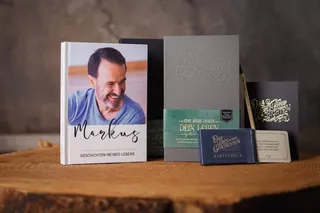
Begin with the nine-question mini book – and watch your answers become a story that lasts.