
Meminto 5.6 – Upload Videos Directly, Sign In with a Passkey & More
 by Albert Brückmann3 min read
Meminto 5.6 makes it easier to collect videos for your book, sign in securely, and keep a growing project organised. Here is what is new.
Upload videos directly — no YouTube detour required
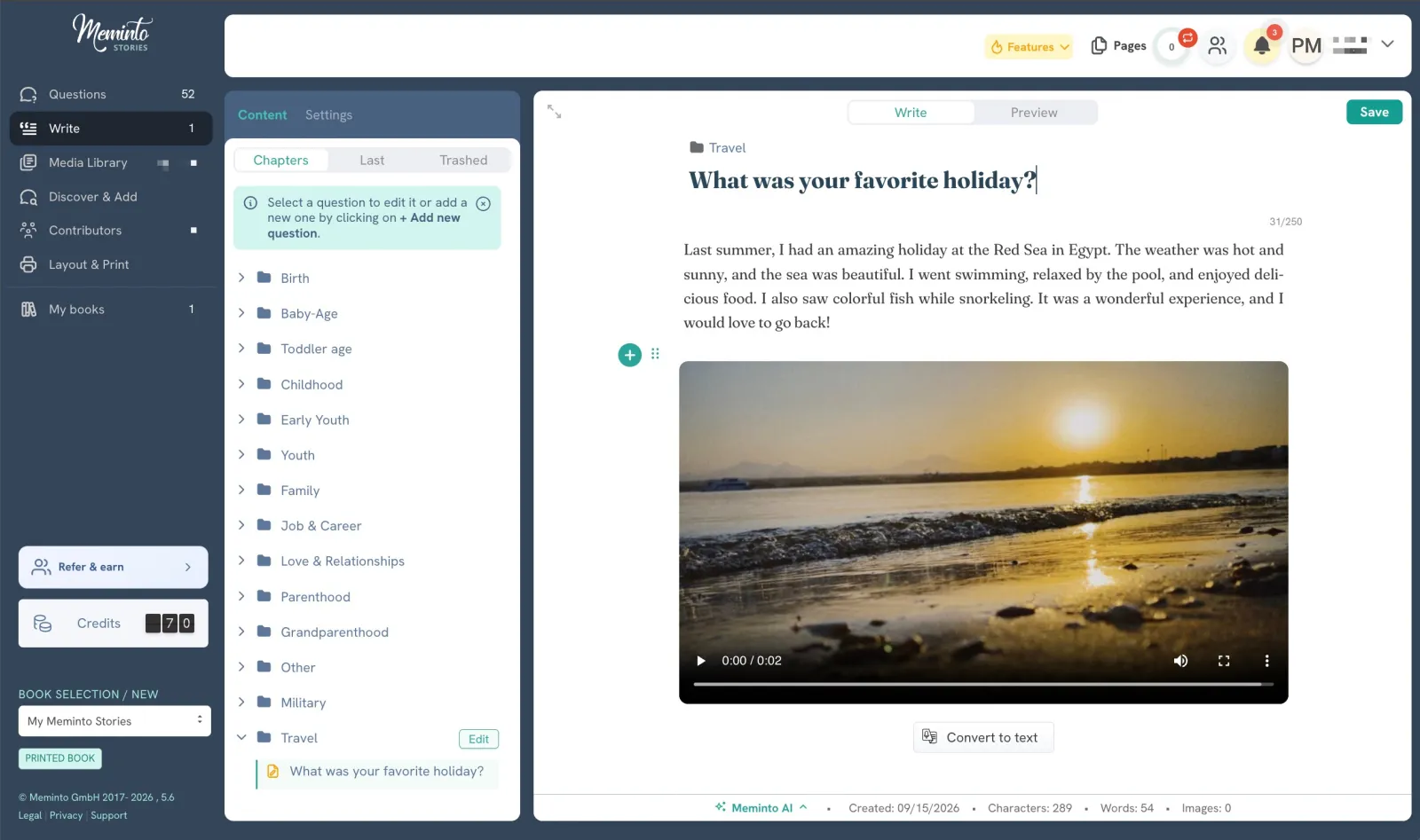
Adding a video to your book is now much simpler. When you choose the video button, you can decide whether to link a YouTube video as before or upload the video directly to Meminto.
- No YouTube account or share link is required for direct uploads.
- Uploading works on desktop and mobile.
- The number of direct uploads included depends on your book package. You can see it any time under My Books → Book Details.
- Need more room? Add more videos whenever you like, with no ongoing subscription fee for storing them.
Either way, the QR code is placed in the printed book at the right spot. YouTube remains a good option if you prefer to keep a video there — it is simply no longer required.
For the exact steps, see how to upload videos directly to Meminto in the Helpdesk.
Sign in with a passkey
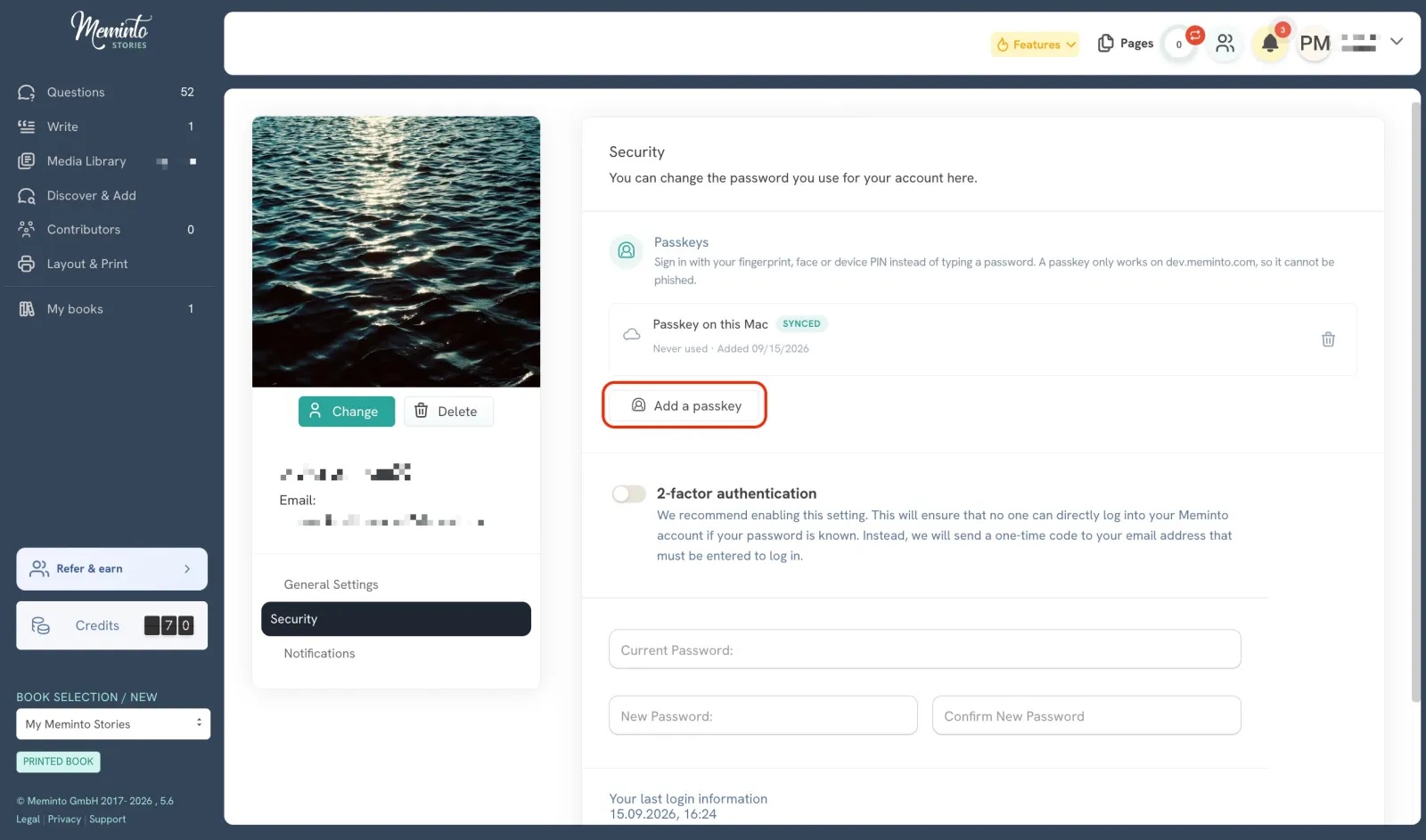
Signing in can now be faster and more secure. Instead of entering a password, you can use your device’s fingerprint, face recognition, or PIN on supported devices.
- Sign in with a single confirmation on your device.
- No password to remember, type, or reset.
- Passkeys add strong protection against phishing because they are tied to your Meminto account and your device.
Set up a passkey under Account → Security and it will be ready the next time you sign in. The Helpdesk has a short guide to setting up and using a passkey.
Better media management
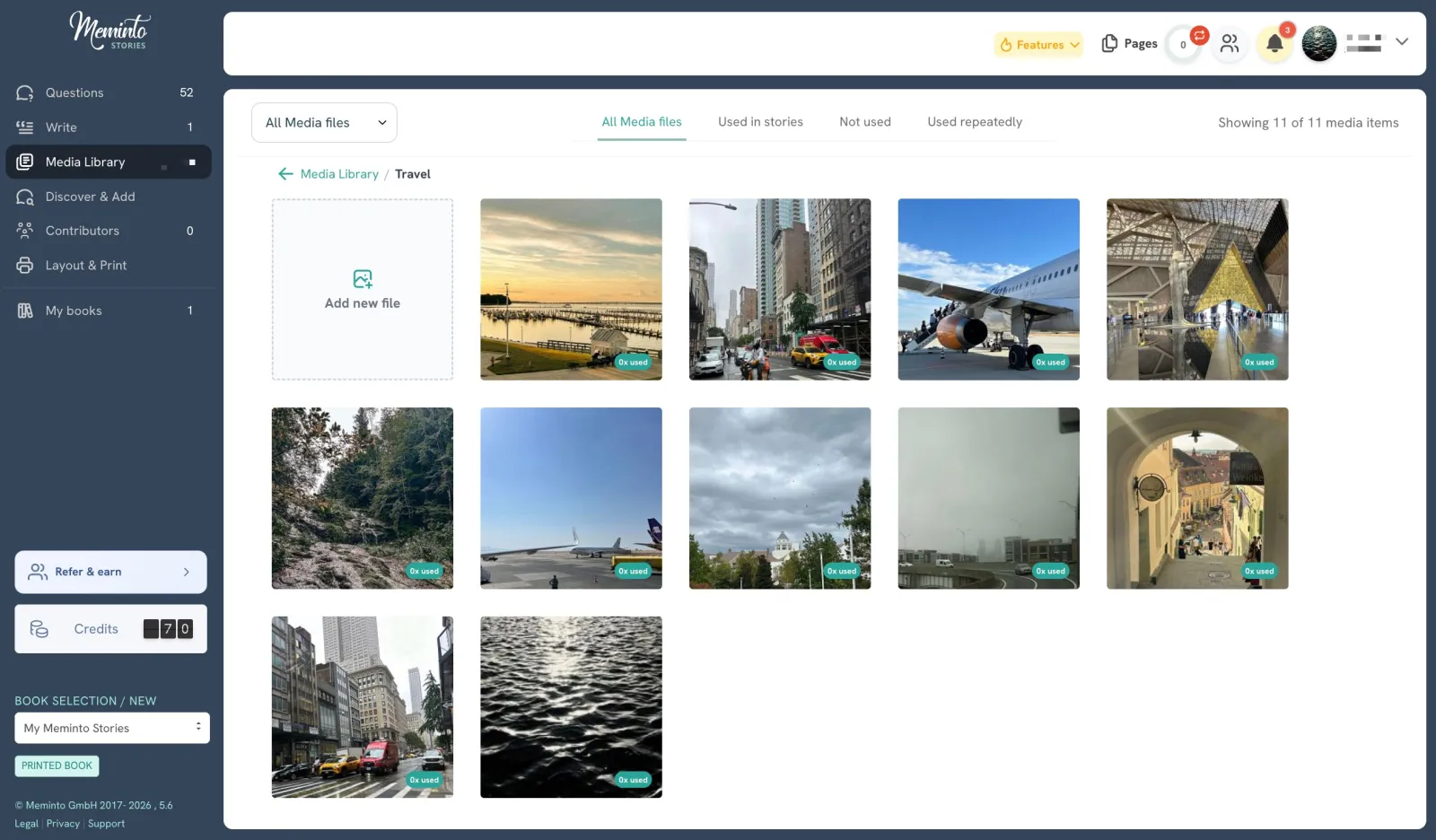
Photos and videos should remain easy to find, even when a book becomes large. That is why we improved the media library in a few useful ways:
- Contributors are linked to their images, so it is clear who added each photo.
- Folders are easier to navigate, helping you find the right image faster.
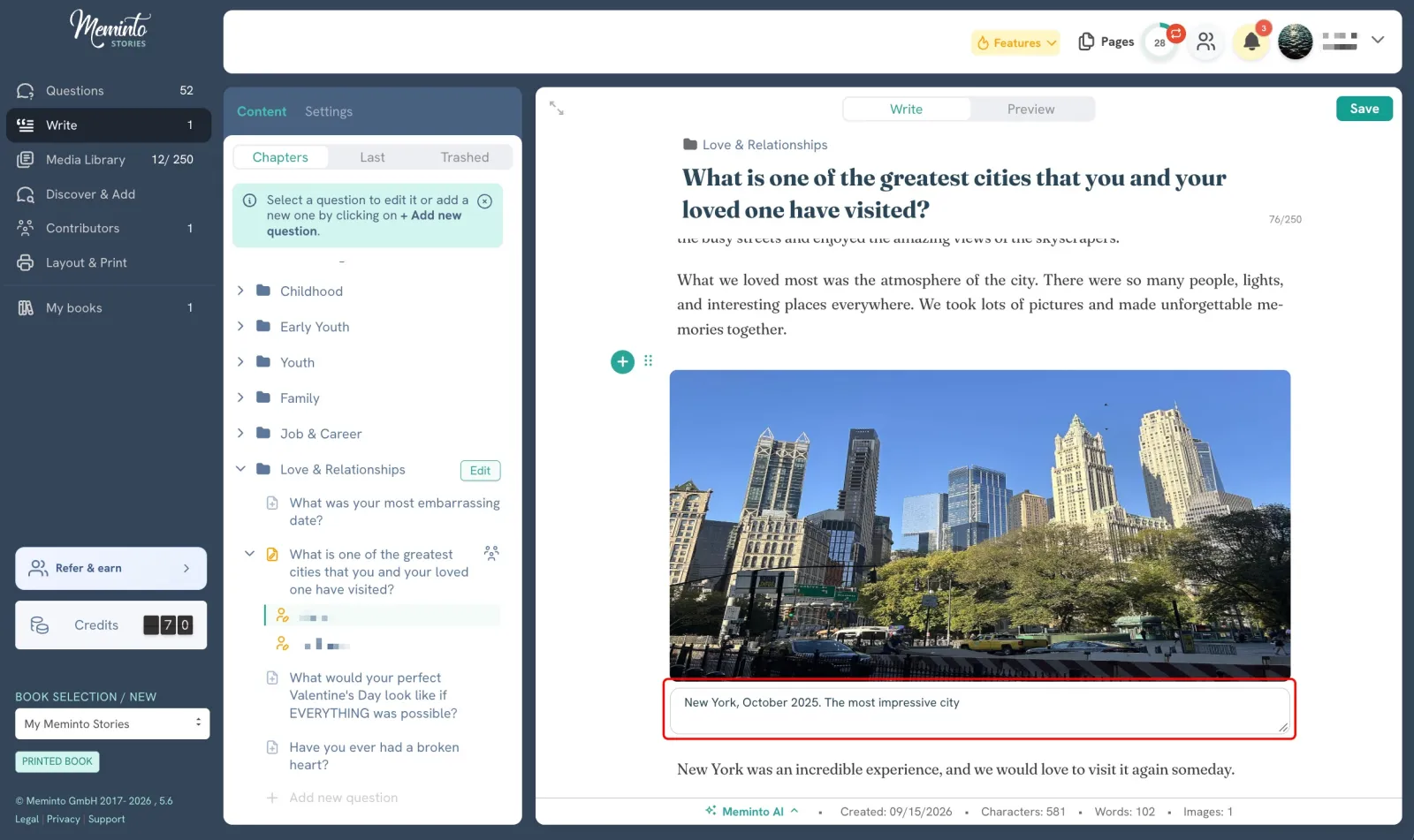
- Image captions now display reliably and consistently throughout your book.
Easier mini-book management
Mini books are now easier to remove when you no longer need a test project or want to tidy up your book list.
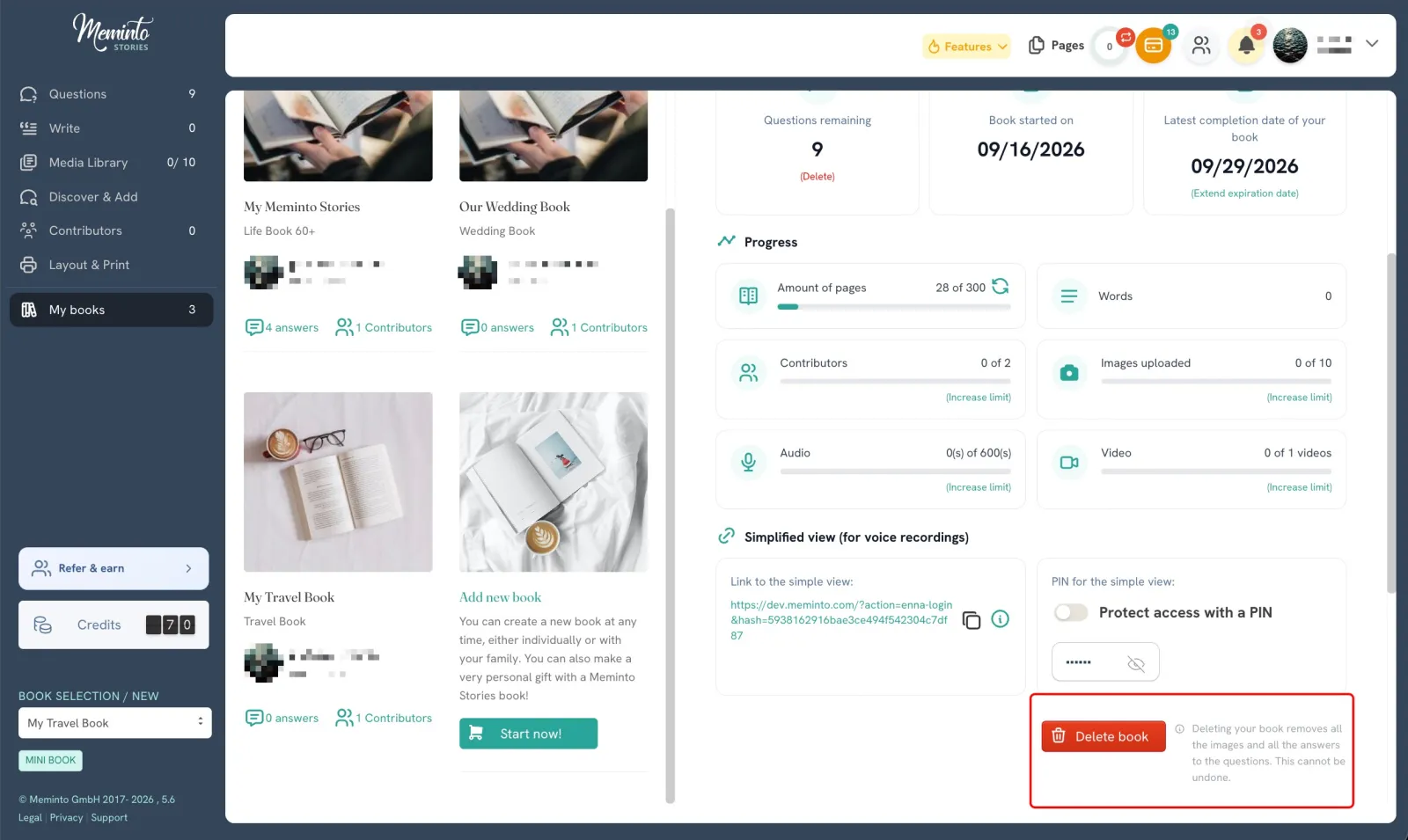
More complete translations and a smoother experience
We have filled in missing translations, fixed translation issues, refined the interface and typography, and resolved smaller bugs behind the scenes. Together, these improvements make Meminto feel more consistent in every language.
What is new in Meminto 5.6?
- Upload videos directly to Meminto, or continue using YouTube if you prefer.
- Add more videos whenever you need them, without an ongoing storage subscription.
- Sign in with a passkey.
- Organise media more easily and see who contributed each photo.
- Manage mini books with fewer steps.
- Benefit from more complete translations, clearer typography, and further fixes.
Meminto 5.6 is another step toward making it simpler to collect stories, photos, and videos — and turn them into a book worth keeping and sharing.