
Meminto 5.5: Simpler Prices, Worldwide Language Support, Public Checkout for Your Book & More
 by Albert Brückmann3 min read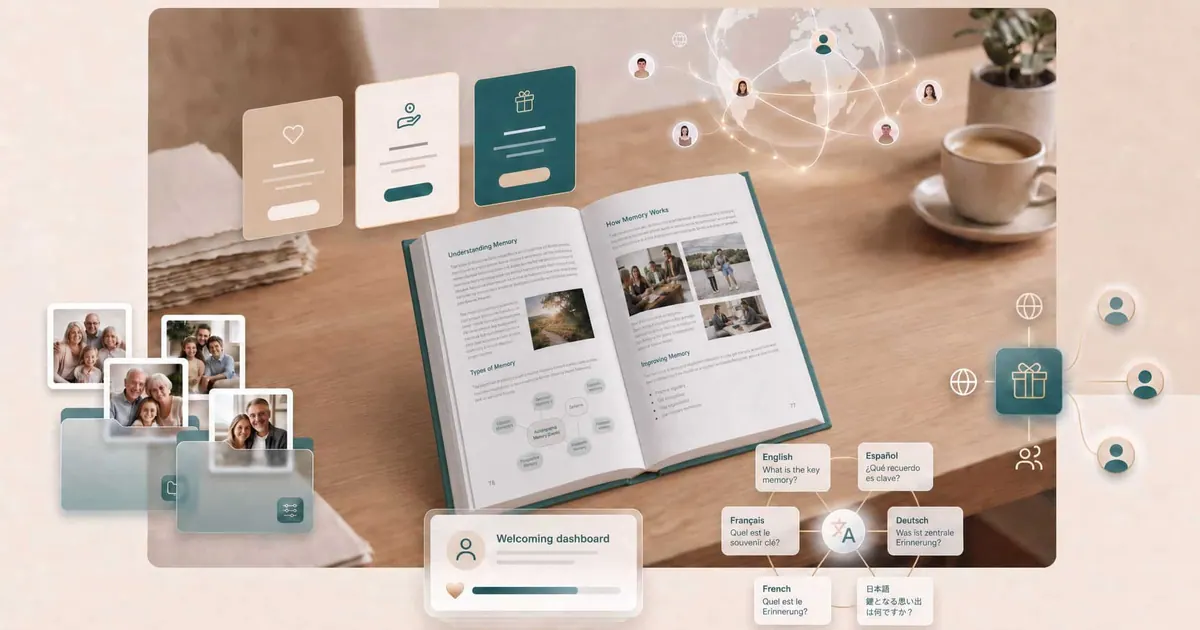
We’ve been busy tinkering with Meminto over the past few weeks — and this time, there really is something for everyone. From a completely new pricing model to a feature that opens up your book to the entire world, all the way to small detail improvements that make everyday book writing more pleasant. Here’s the full rundown.
A pricing model that actually makes sense
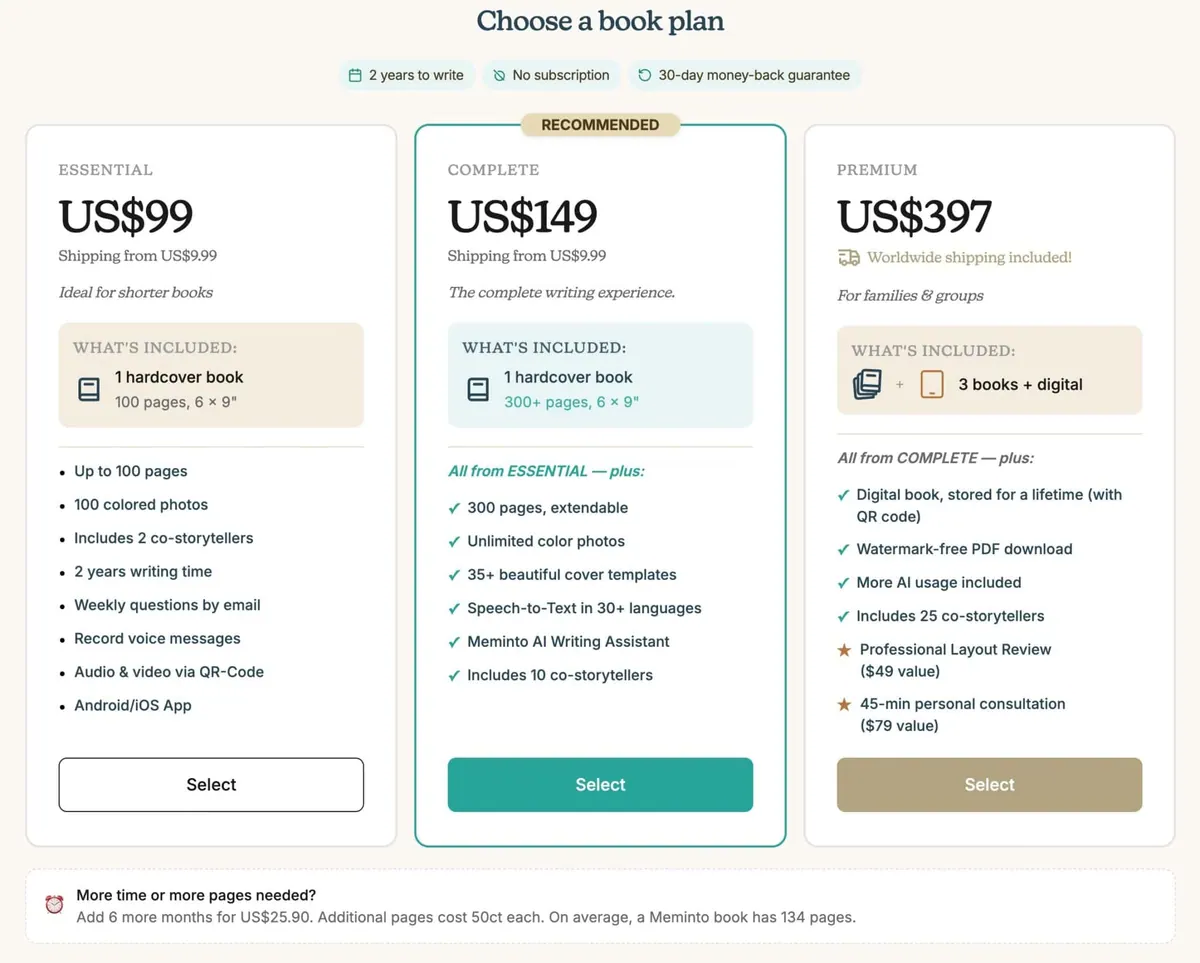
If you’ve ever found yourself asking “How many pages does my book really need in the end?” or “Do I need the Meminto AI add-on?”, you’ll be happy to hear this: we’ve overhauled our entire pricing model and now offer three clear options — Essential, Complete, and Premium.
Instead of wading through different page counts and add-ons, there are now clearer plans, built-in AI credits, and unlimited photos in the higher-tier plans. The result: less confusion when choosing, more value where it counts.
Your book, any language
This is probably the feature we’re most proud of: questions can now be translated into any language at the click of a button, powered by AI — not just the four languages the Meminto interface itself is available in: English, German, Spanish, and Portuguese.
In practice, that means: even if your grandmother only speaks Polish, or your uncle lives in Brazil and only writes in Portuguese, everyone can now answer their questions in their own language. This makes Meminto one of the few truly global tools for creating memory books.
Of course, with Meminto AI, already written text can also be translated into any other language.
A dashboard that welcomes you
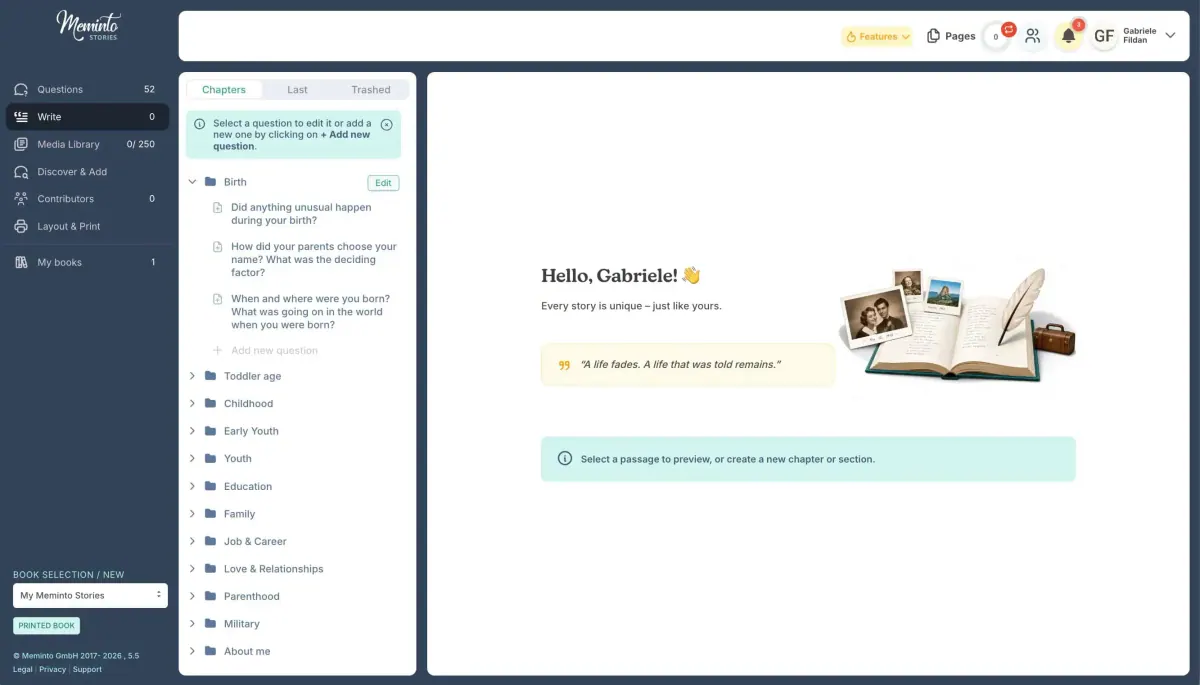
Until now, opening the Writing page often greeted you with an empty, somewhat impersonal screen. That’s changing, step by step: the first building block of a new dashboard is here — with a time-of-day greeting and a motivating quote about writing.
Small but meaningful — and just the beginning of something bigger we’ll keep building out in upcoming updates.
Order your book — for others too
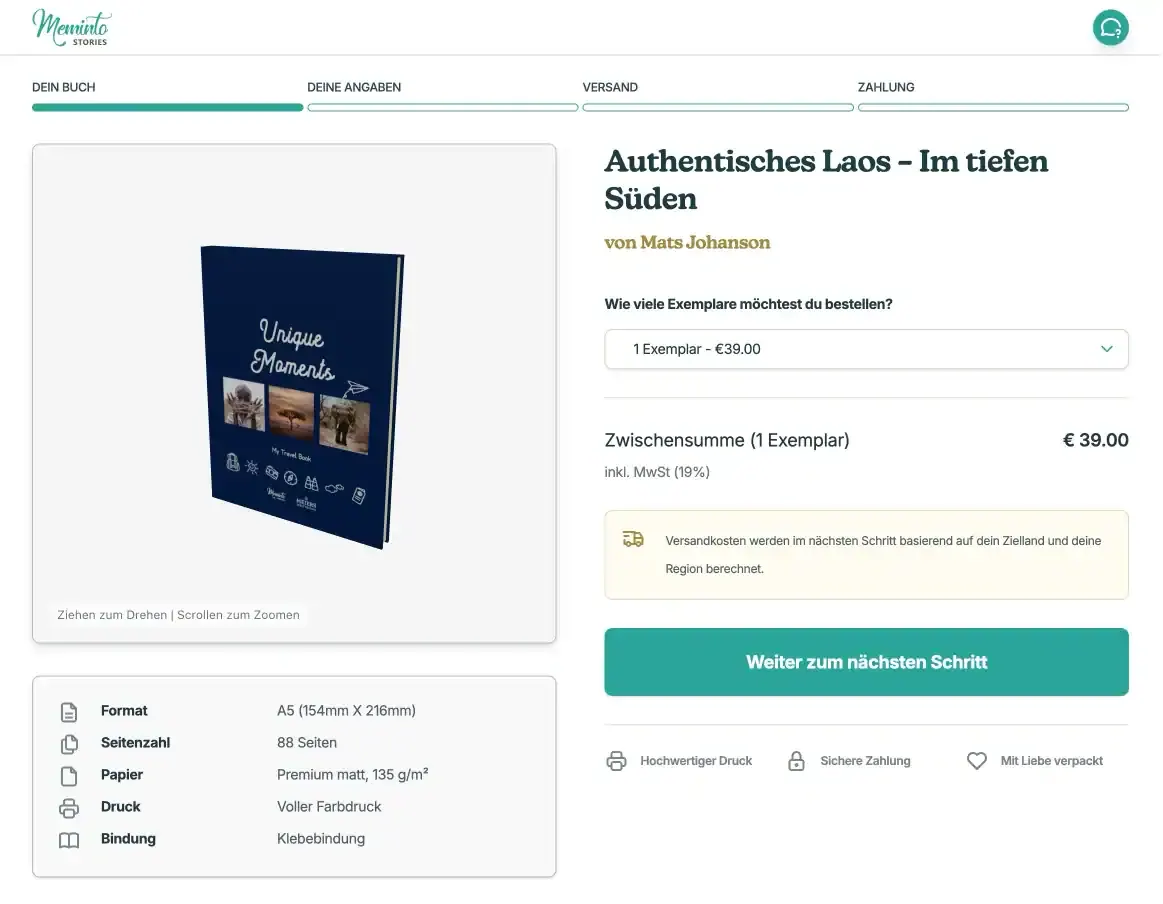
If you wanted your book printed multiple times and shipped to different family members, you previously had to handle the entire distribution yourself. That could get tedious, especially with lots of people involved.
Now there’s a public order page for that: participants or interested parties can order and pay for their own copy directly, without going through the book owner at all.
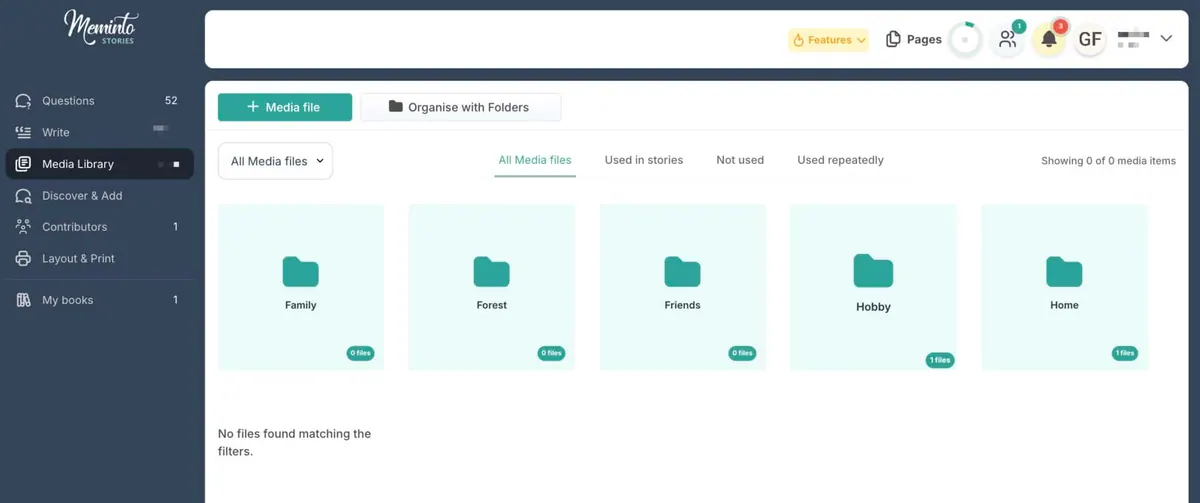
Order in the photo chaos
And since larger books quickly accumulate dozens or even hundreds of photos, uploaded media can now be organized into folders. Finding the right photo now takes seconds instead of minutes.
And a few more things …
Alongside the big new features, we’ve also fine-tuned a lot of smaller details:
- Clearer book details — all the important info, including page count, photos, questions, and remaining editing time, at a glance under My Books > Book Details.
- Vouchers can now also be ordered in Portuguese and Spanish.
- The participant screen has been completely redesigned, with a clear separation between sharing options and participant permissions.
- More room for the book preview on small screens thanks to a decluttered layout.
- Improvements to the checkout process.
- The landing page after a QR scan now shows the text and photos for each story alongside the audio player.
- In guest mode, disruptive contributions from certain participants can now be ignored.
- Fine-tuned heading font sizes in the printed book.
- Easier-to-adjust margins for US book productions with 6×9-inch paper.
- The cursor now jumps straight into the text field when creating a new question or section.
- Unused divider lines between participants in the printed book have been removed.
- New chapter pages with an additional divider and new font for our Amazon print products.
And we squashed a few bugs along the way:
- Fixed users being assigned two different roles at once.
- The sidebar in cover creation mode now opens and closes reliably.
- Audio recordings from Safari can now be transcribed correctly; previously this failed because they were saved as MP4 files.
As always, we’d love to hear your feedback — let us know what you think of the new features, or tell us which one you’d like to see next.