
Tell it before polishing it
Record a memory as it comes. That is especially useful when speaking feels easier than typing.
Your book fits into real life
The best stories never arrive at your desk. They arrive on the train, over coffee, halfway through an old photo album – and they are gone again by the time you get home. With the app your book project is in your pocket: answer the prompt, record the story, add the photo, done.
Current store release: version 5.0, dated 27 May 2026. Free download; some book, PDF, participant and AI features may require in-app purchases or credits.
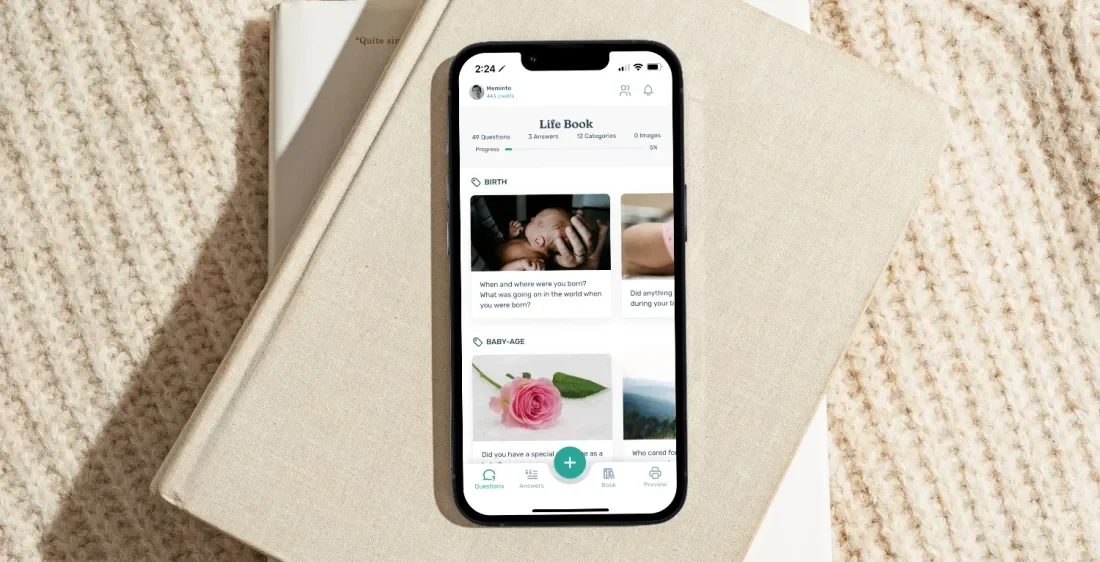
Answer wherever you are
Type, speak and add media to the matching prompt
Write together
Manage invitations, guest requests and contributors
Through to the finished book
Cover, preview, PDF export and ordering in the app
The short answer
Open your existing book project, choose a prompt and answer by text or voice. Add photos, audio and video to the story, or transcribe a recording with credits. You can then organise content, manage contributors, check the cover and preview, and order the book from the app.
Less postponing
Stories often surface in conversation, while looking through old photos or away from a desk. The app keeps the next prompt and your active project close at hand.
Record a memory as it comes. That is especially useful when speaking feels easier than typing.
Keep photos and other media with the story instead of hunting for them across devices later.
You do not have to “write a book” today. One prompt, one recording or one photo already moves it forward.
From download to book project
The app uses your Meminto account and an active book project, so you continue the same project on mobile.
Download the app from Apple or Google Play, sign in to your Meminto account and open your active book project.
Open a suggested question or the section you want and decide which memory you would like to capture now.
Type the story, record a voice answer or add photos, audio and video. Voice recording requires microphone access.
Arrange content, manage contributors and continue later with the cover, preview, PDF export or book order.
Inside the current app
Official current store artwork. Exact screens may change as the app is updated.
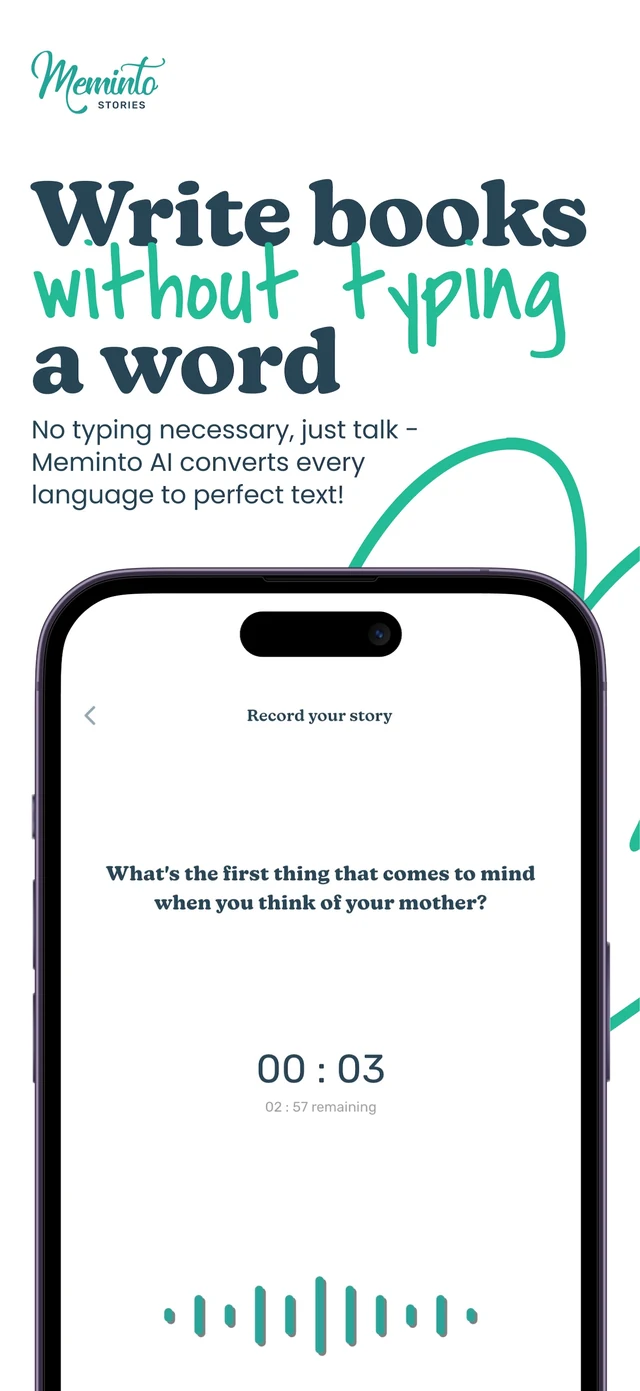
Voice recording sits beside the prompt. Keep the audio or use credits to turn it into editable text.
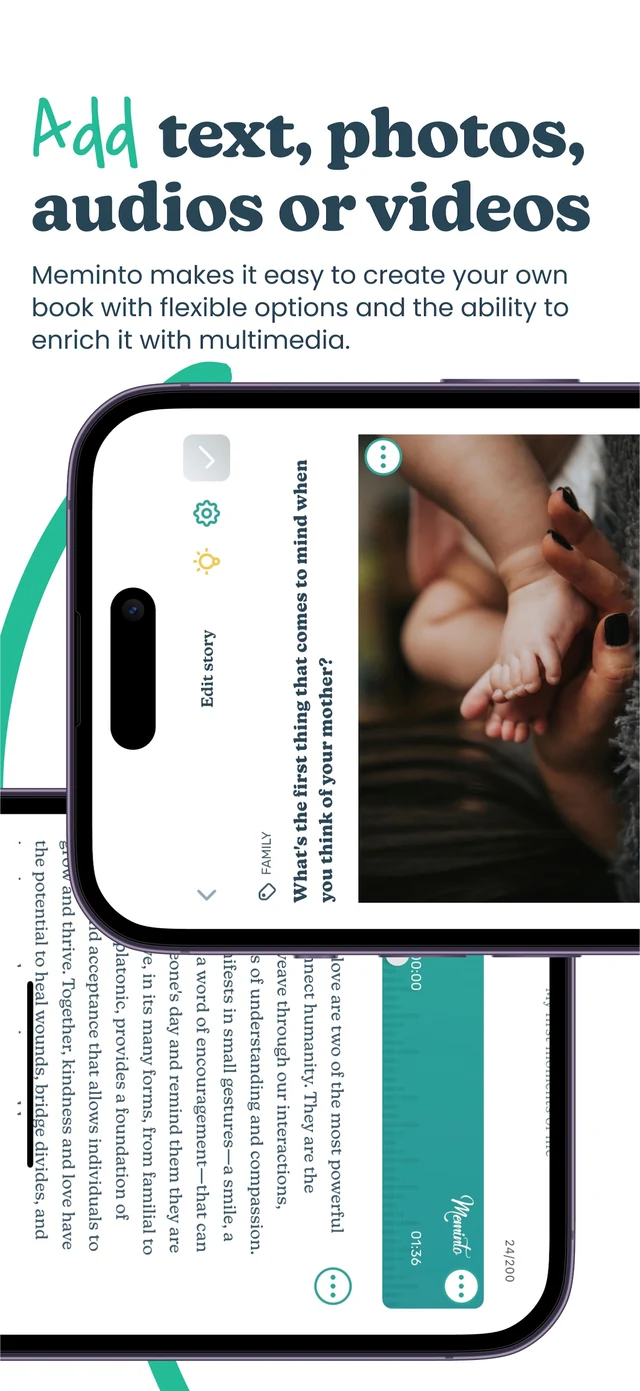
Media stays with the relevant story, so it remains clear which image or recording belongs in each chapter.
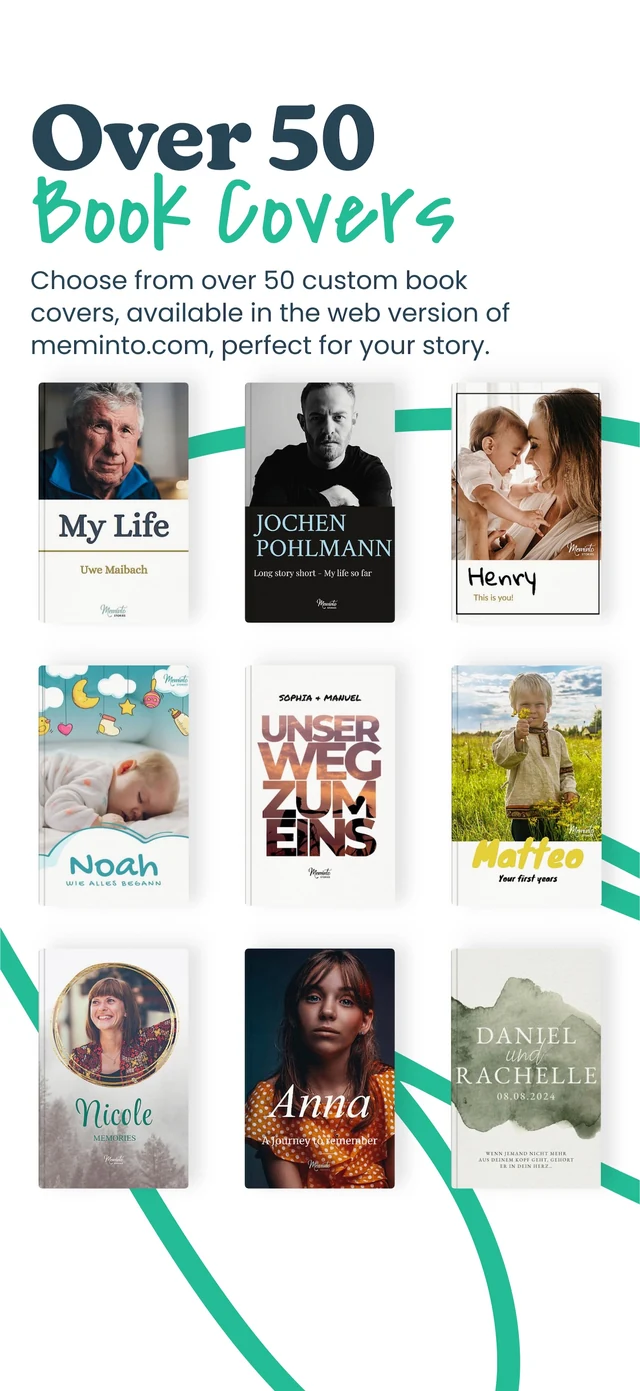
Version 5.0 adds cover templates, alignment tools, image frames, zoom and multi-element editing.
Mobile tools inside the project
The app now covers the complete book journey. Costs are shown before an in-app purchase or credit-based action.
Capture answers, refine stories and organise content inside the book project.
Record from a prompt and listen back before saving. Microphone and recording permissions are required.
Open an audio file menu, choose transcription and select the spoken language.
AI transcription uses credits.
Upload photos, open media directly and reuse existing files in your stories.
Record or upload video on mobile and keep it with the matching answer.
Continued video storage may have separate terms.
Refine text in the app and transcribe recordings when you want help shaping the draft.
AI features use credits.
You do not have to write alone
Version 5.0 adds a guest inbox, a redesigned sharing screen and new contributor management in the app.
Share an invitation by email, text or another messaging app. You can stop accepting new joins later.
Decide whether someone can read, contribute their own stories or help manage the book.
Even people with management access do not take ownership of your book project.
From manuscript to outcome
The major 5.0 release closes several steps that previously sent people back to the browser more often.
Use cover templates, align text, move and zoom images, and edit several elements together.
Once the book has at least three stories or chapters, open Book and choose Preview and Export. The PDF is sent by email.
Removing the watermark may require a one-time in-app purchase.
Version 5.0 supports ordering from the app, with Apple Pay or Google Pay provided for the corresponding platform.
App or browser?
You do not have to commit to one screen. Open the book project wherever the next step feels easier.
Open a prompt, record a memory, add a photo or check progress without waiting until you are back at a desk.
Long passages, extensive image editing and detailed layout work may feel more comfortable on a larger screen.
Loved by thousands of families
4.8 / 5on Trustpilot

“We would like to give the whole team our heartfelt thanks for the quick help we received time and again with our book project. It is a joy to see how smoothly and easily everything works with Meminto Stories.

“I highly recommend the childhood book . I made it for my son so he knows how great our family time used to be. He already loves it and enjoys looking at it over and over again.

“We captured our world trip in a book. In the first copy, the pictures were not visible because of a printing error. Within a few days, Meminto produced and sent us a replacement free of charge. We are very happy with the fast support and the continued improvements to the software.

“Tom was CEO of several international companies and died in a car accident in 2025. His daughter and 160 friends and employees came together to create a life story book in his memory. The woman pictured is one of Tom’s employees. Copies of the book were sent to many countries.

“Elise’s grandmother Carole decided to immortalize the first years of Elise’s life in a Meminto Childhood book. An almost 500-page thick book has been created, and Elise was full of joy!
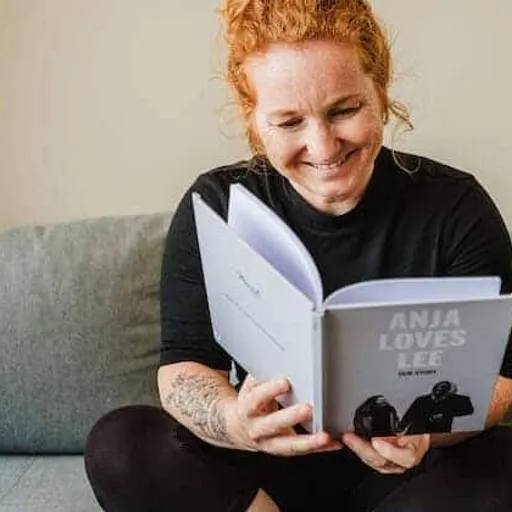
“I am a photographer and value high print quality. Meminto has absolutely met that. I genuinely love the idea behind collecting stories, not just our own but of those around us. Read my Meminto review here.
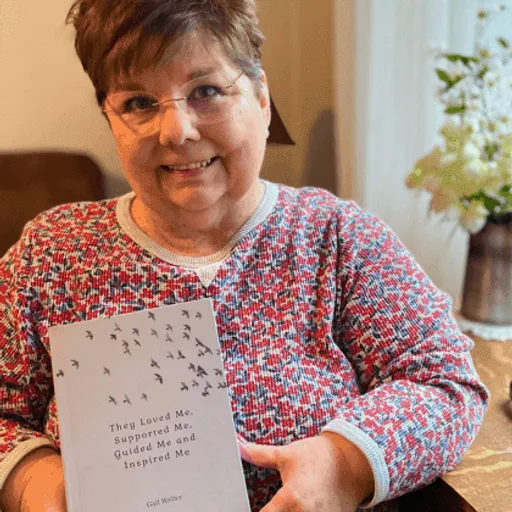
“I’ve been writing my life story since I was in my 20’s. Now I finally have a medium for capturing my tales on paper in a beautifully printed book, using ‘copy & paste’ and the Meminto blank book option. I’m already working on my second book! You can find my review here!
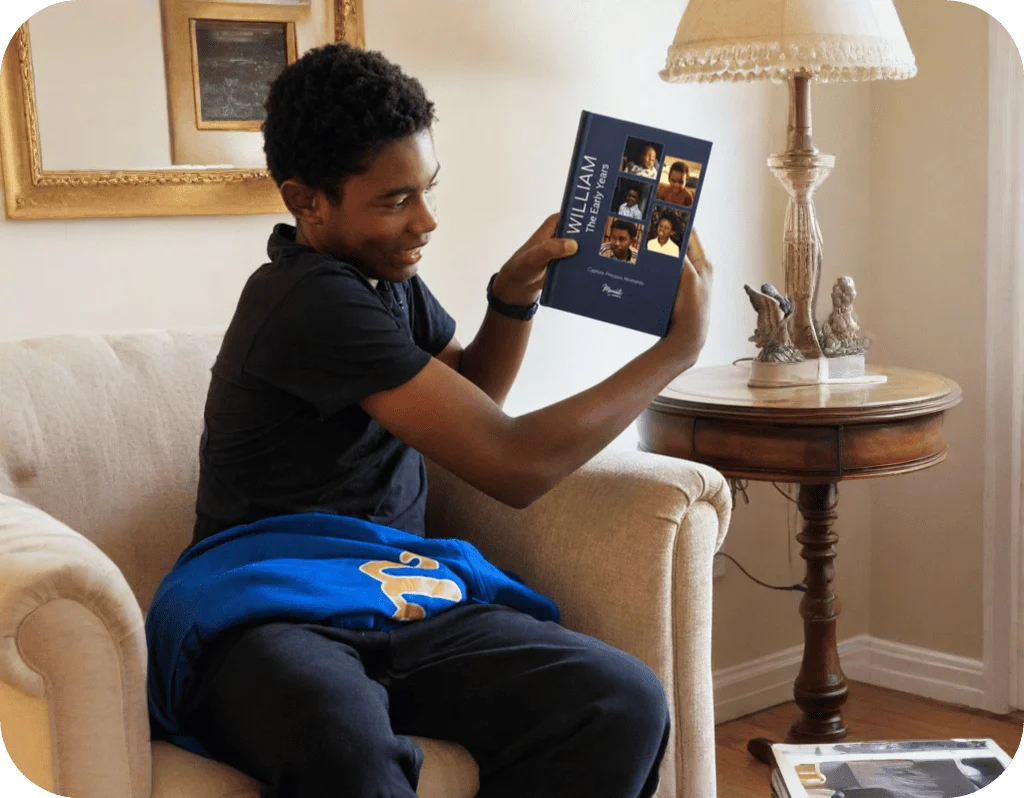
“William’s grandmother, Carole, created a Meminto Childhood book as a surprise for his 13th birthday. After months of dedication and a last-minute race to finish, the gift arrived just in time and William was so captivated that he read it aloud to his family on the drive home
Frequently asked questions
Straight answers about accounts, recording, credits, collaboration, PDF export and platforms.
The download is free in both stores, and the app contains in-app purchases. Depending on your project, digital books, a watermark-free PDF, extra participants or AI credits may cost extra.
Yes. To record a story, you need a Meminto account, an active book project and an active login. Once signed in, open that project in the app.
Yes. Choose a prompt and start recording with the microphone. The app needs permission to use the microphone and save recordings. You can then transcribe the audio with credits.
Yes. Both access your Meminto account and active book project. The app is particularly useful for capturing a moment; the browser gives more room for long or detailed work.
Yes. Invite people by link or QR code and grant read, contribution or management access. You remain the owner of the project.
Once you have at least three stories or chapters, open Book at the bottom and choose Preview and Export. The PDF is sent to your chosen email address. A watermark-free file may require a one-time purchase.
The app is available for iPhone with iOS 15.6 or later, for iPad and for Android phones and tablets. The interface is available in English and German.
Plan to have an internet connection for signing in, loading, saving and uploading media.
Apple and Google publish their platform-specific disclosures in each store. Google states, among other points, that data is encrypted in transit and that deletion can be requested. The current Meminto privacy policy remains the primary reference. Open the privacy policy
Meminto works directly in your browser — on a computer, tablet or phone, with nothing to install. If you prefer speaking to typing, you can also use the Meminto app for iOS and Android.
Meminto as an app:


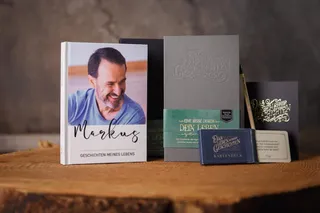
Open the book project on your phone, answer one prompt and capture the moment while it is still vivid.