
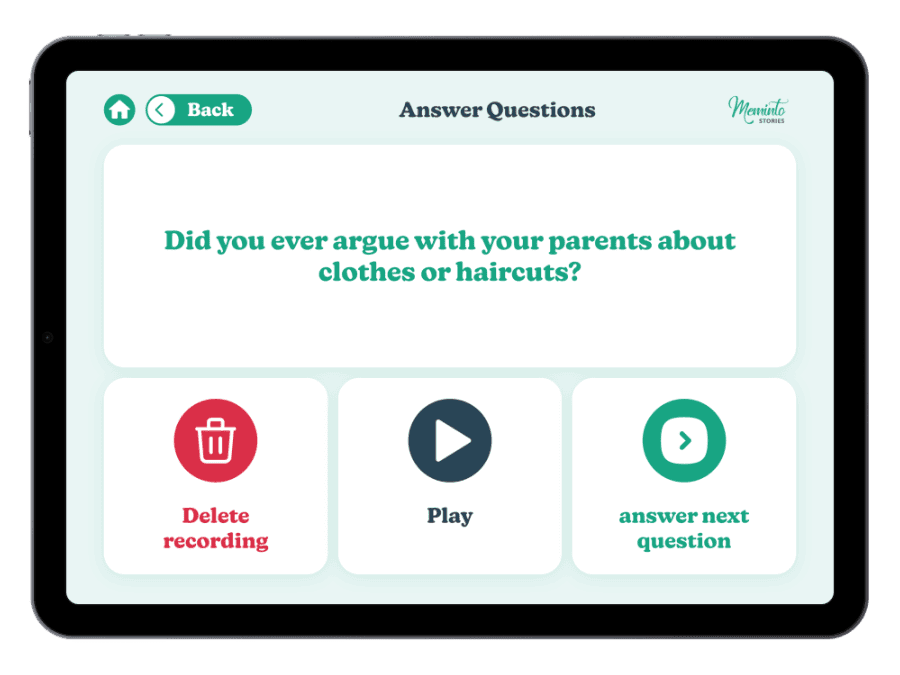
Simple View
Choose a question, start recording and tell your story.
Meminto Simple View
The worry about giving this as a gift is never the book – it is that first moment alone in front of the screen. Simple View is built for exactly that: one question, large controls, one clear next step. Nothing else is ever on screen.
For every age · on smartphone and tablet
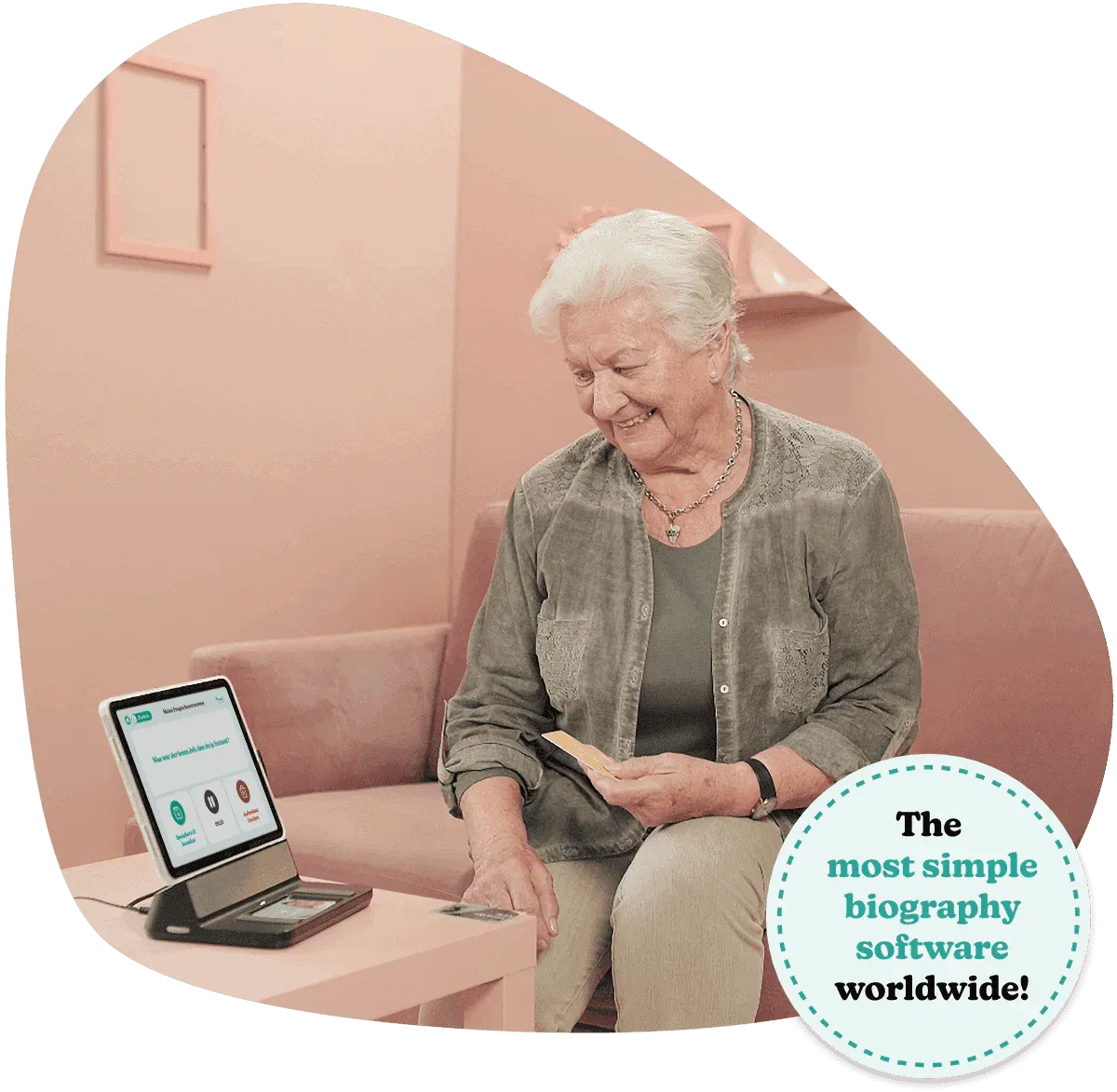
Simple does not mean limited
Simple View focuses entirely on telling. In the full view, stories, photos and the layout can be refined later. Both views work with the very same book project.
Choose a question, start recording and tell your story.
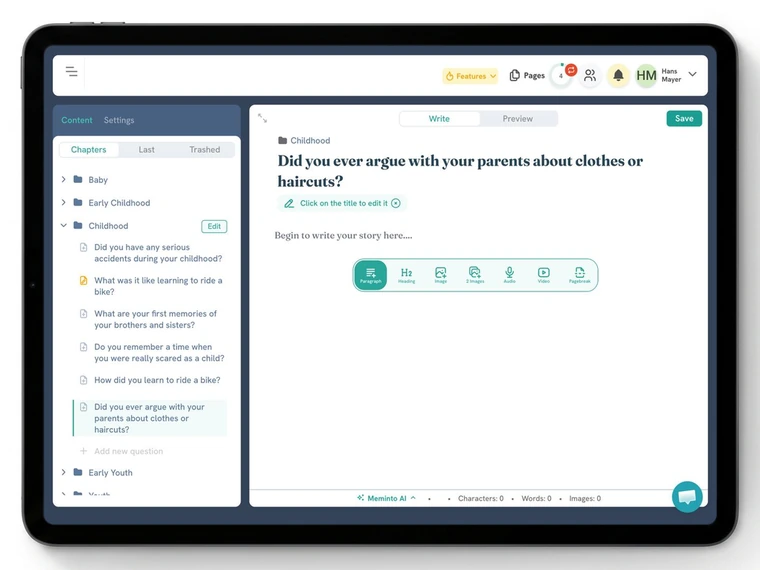
Edit stories, add photos and shape the finished book.
Straight to the memory
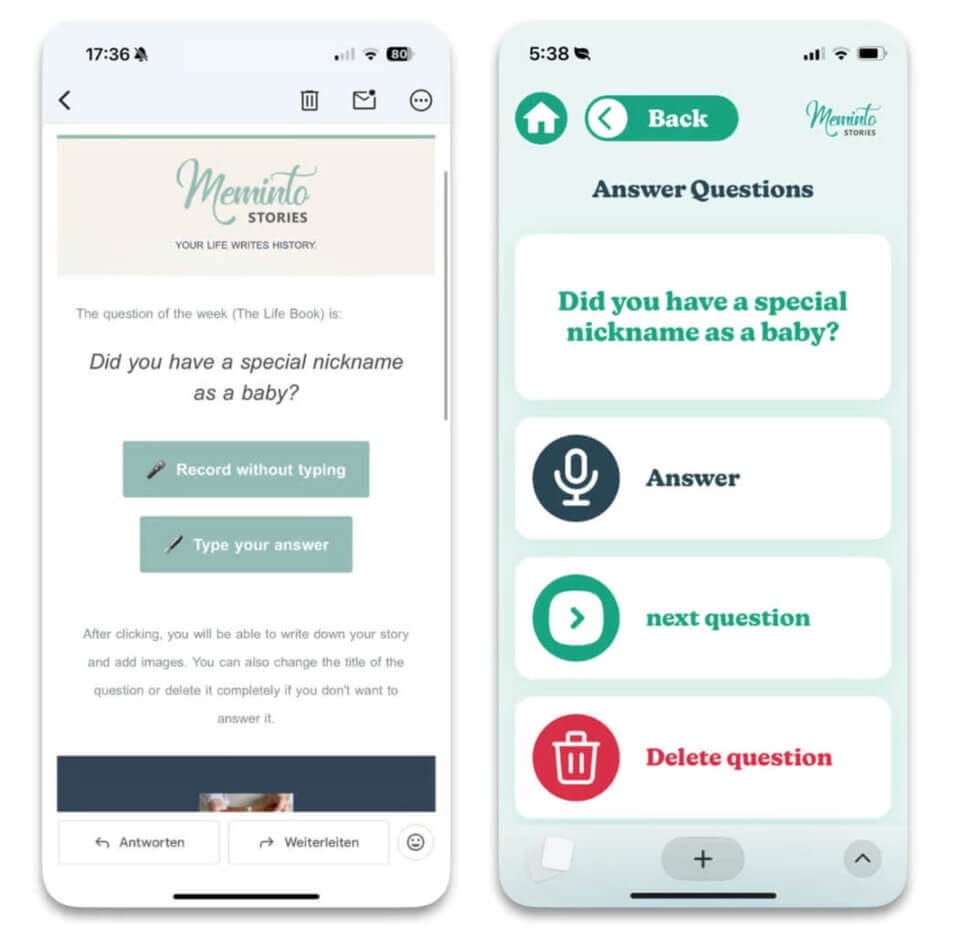
The weekly question arrives by email. “Record without typing” opens the matching question directly, without making you search through a complicated menu first.
How it works
Every screen answers one question: What would you like to do? Which story would you like to tell? Would you like to hear the recording again?
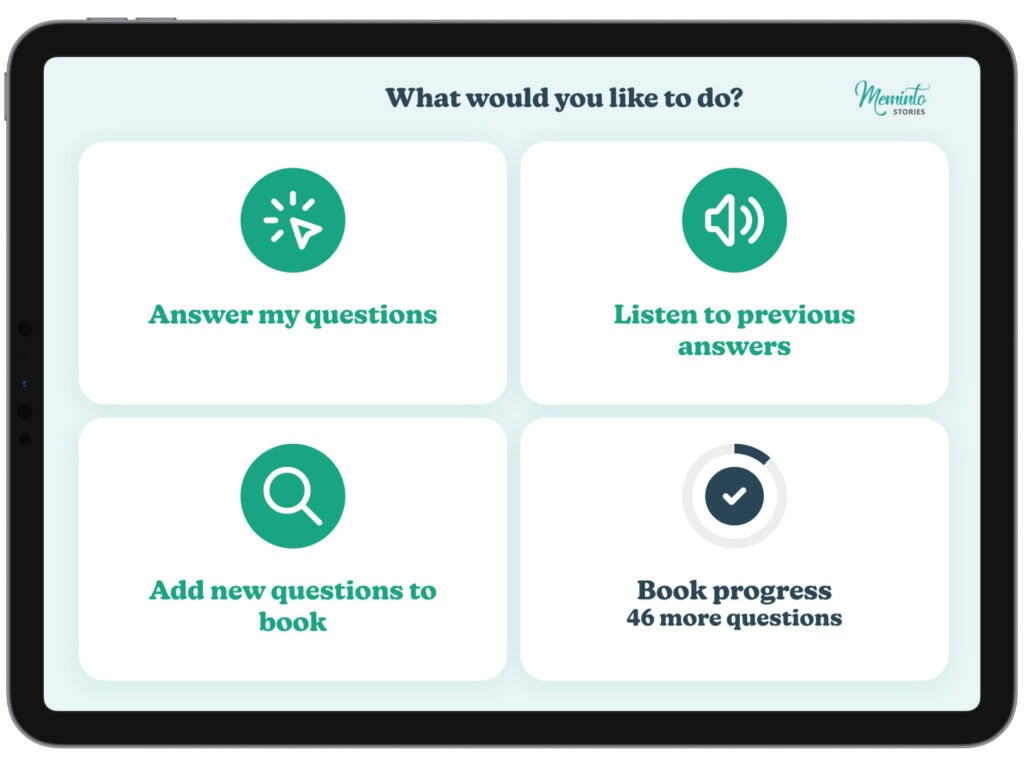
The clear home screen lets you choose exactly what you want to do next.
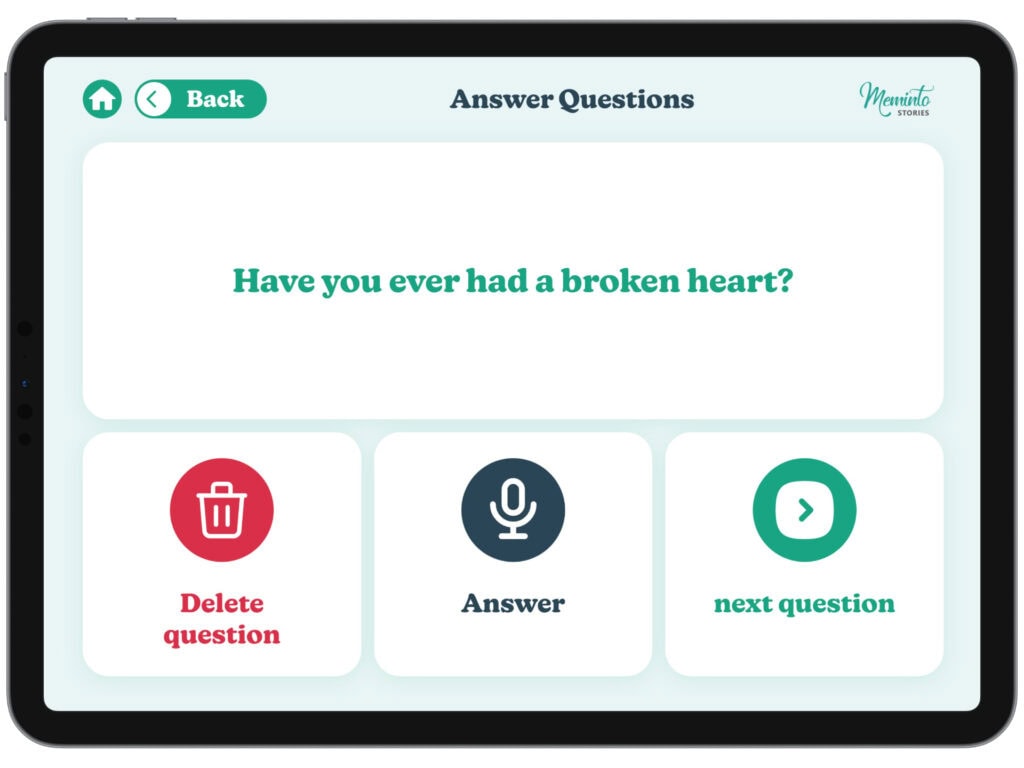
Pick the question that brings a memory to mind today.
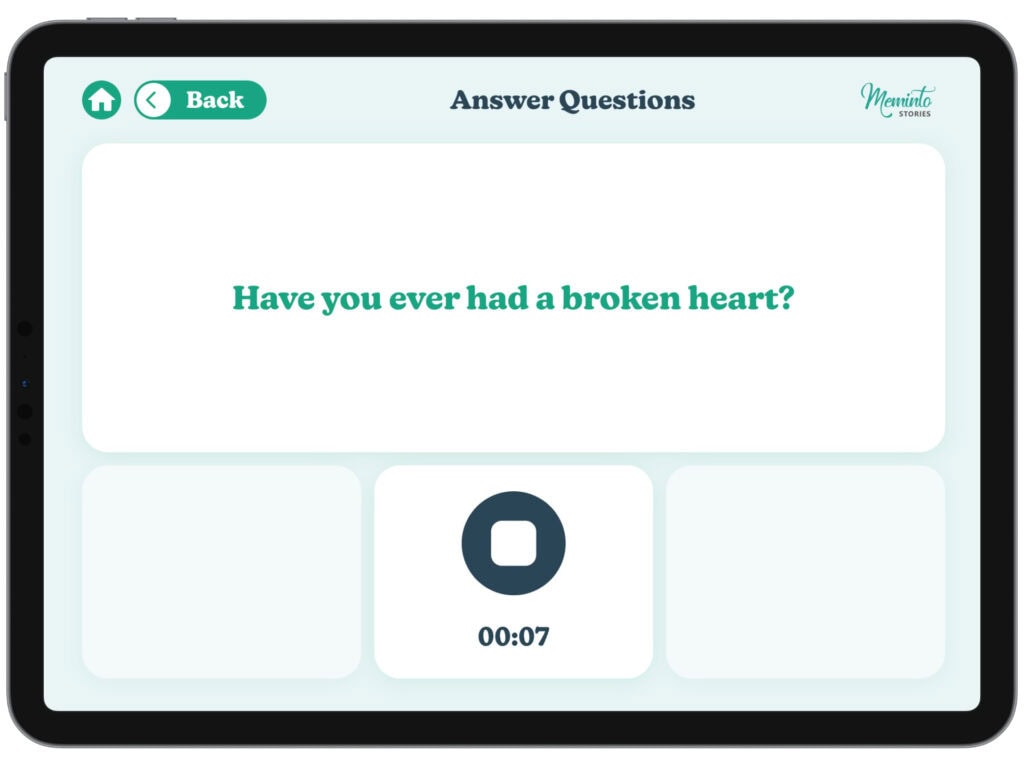
One tap on “Answer” starts the voice recording.
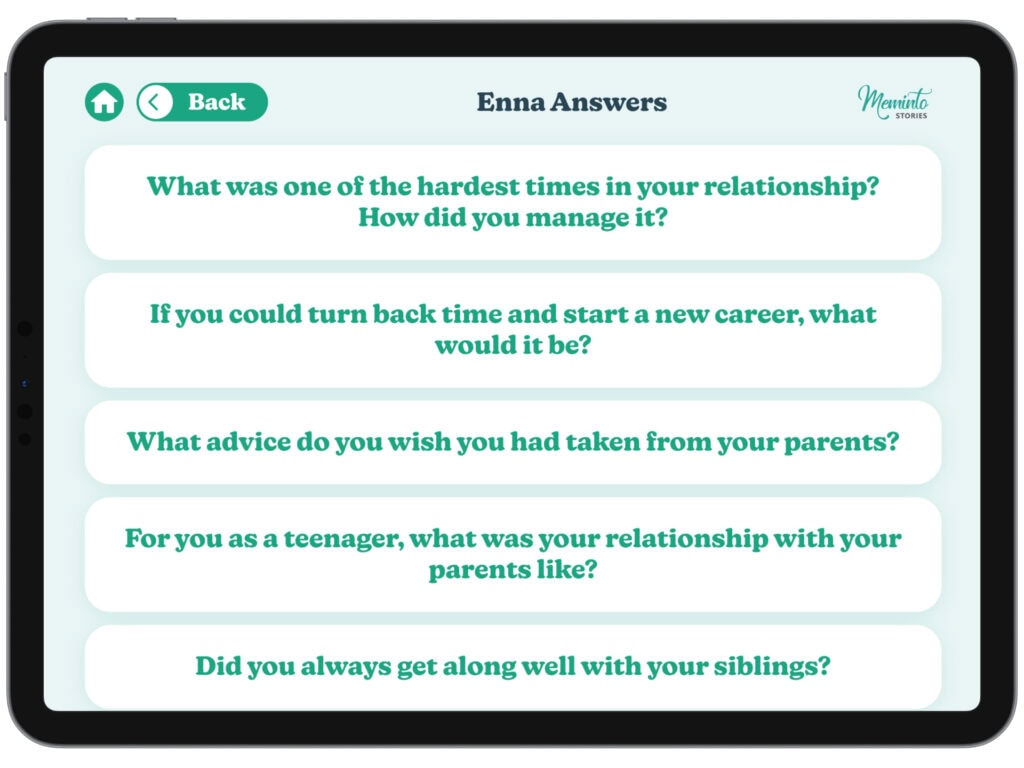
Play saved answers or record a fresh version whenever you like.
Who it is for
Some people want to edit every detail. Others simply want to tell a story. Simple View makes room for both without putting anyone in a box.
For anyone who finds talking easier than typing.
For anyone who appreciates clear paths on a small screen.
One person tells; family members can help shape the book.

I recorded my entire book, and Meminto transcribed it. It was simple and still led to something remarkable.
Richard, Meminto author
Good to know
No. Both views belong to the same book project. Use the reduced view for telling and the full interface for design and detailed editing.
No. Simple View opens directly in a browser on a smartphone or tablet.
Yes. Family members can help organise and edit stories, add photos and shape the final book.
Meminto works directly in your browser — on a computer, tablet or phone, with nothing to install. If you prefer speaking to typing, you can also use the Meminto app for iOS and Android.
Meminto as an app:


Open your first mini book and discover how naturally memories can be captured in your own voice.